Portfolio
Portfolio
This is my complete portfolio broken down into sections. All my best work can be found here!
Logos
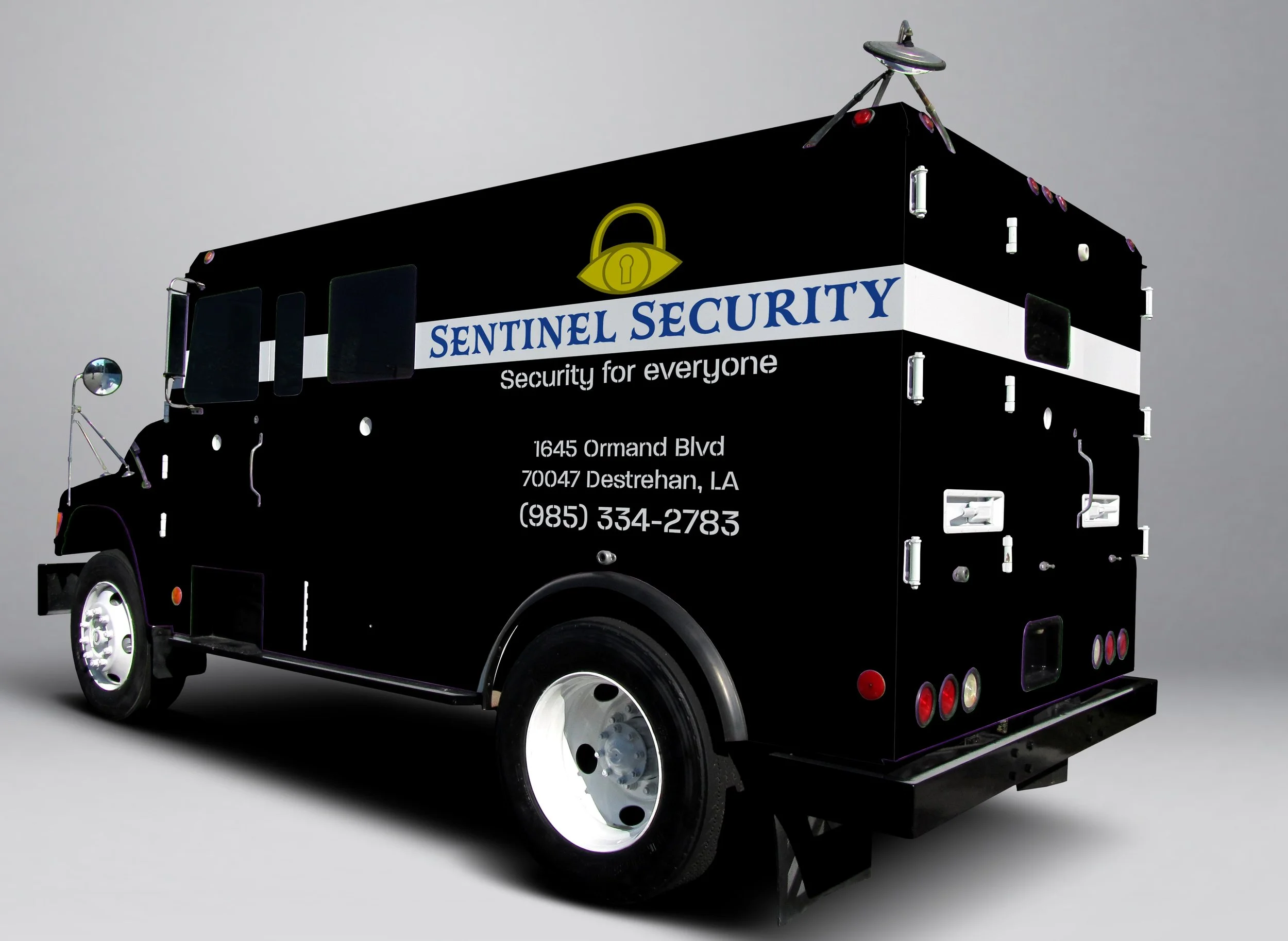
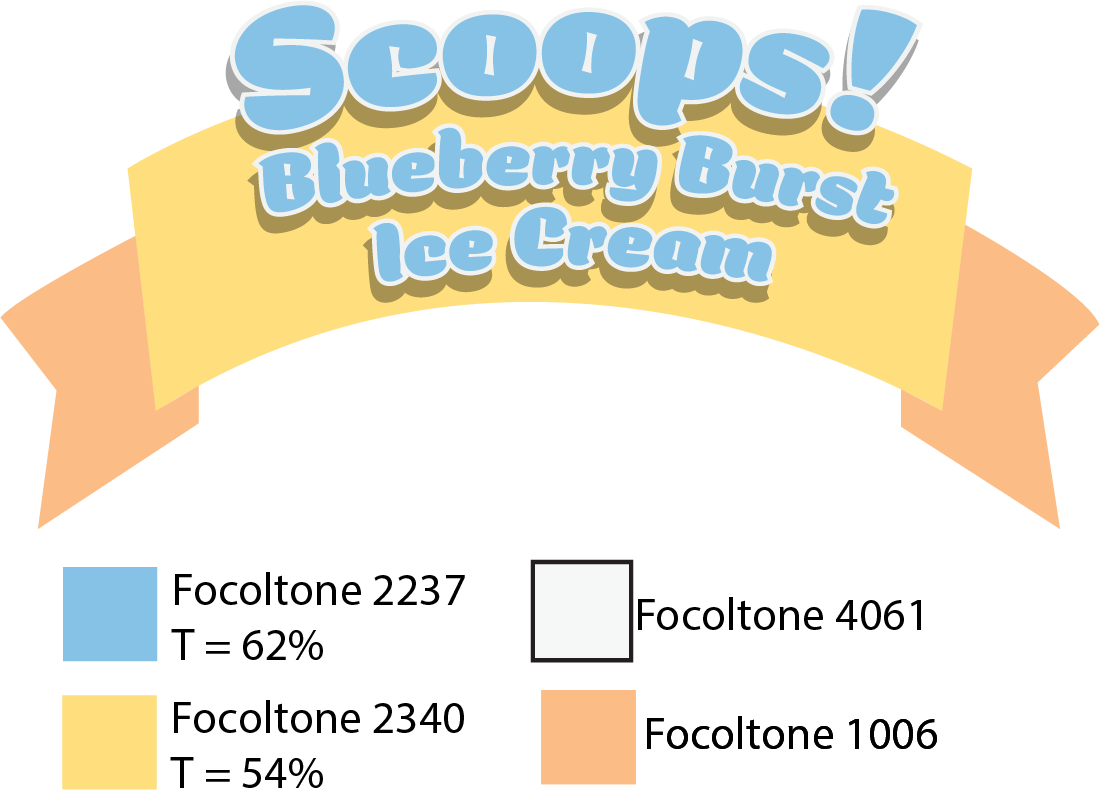
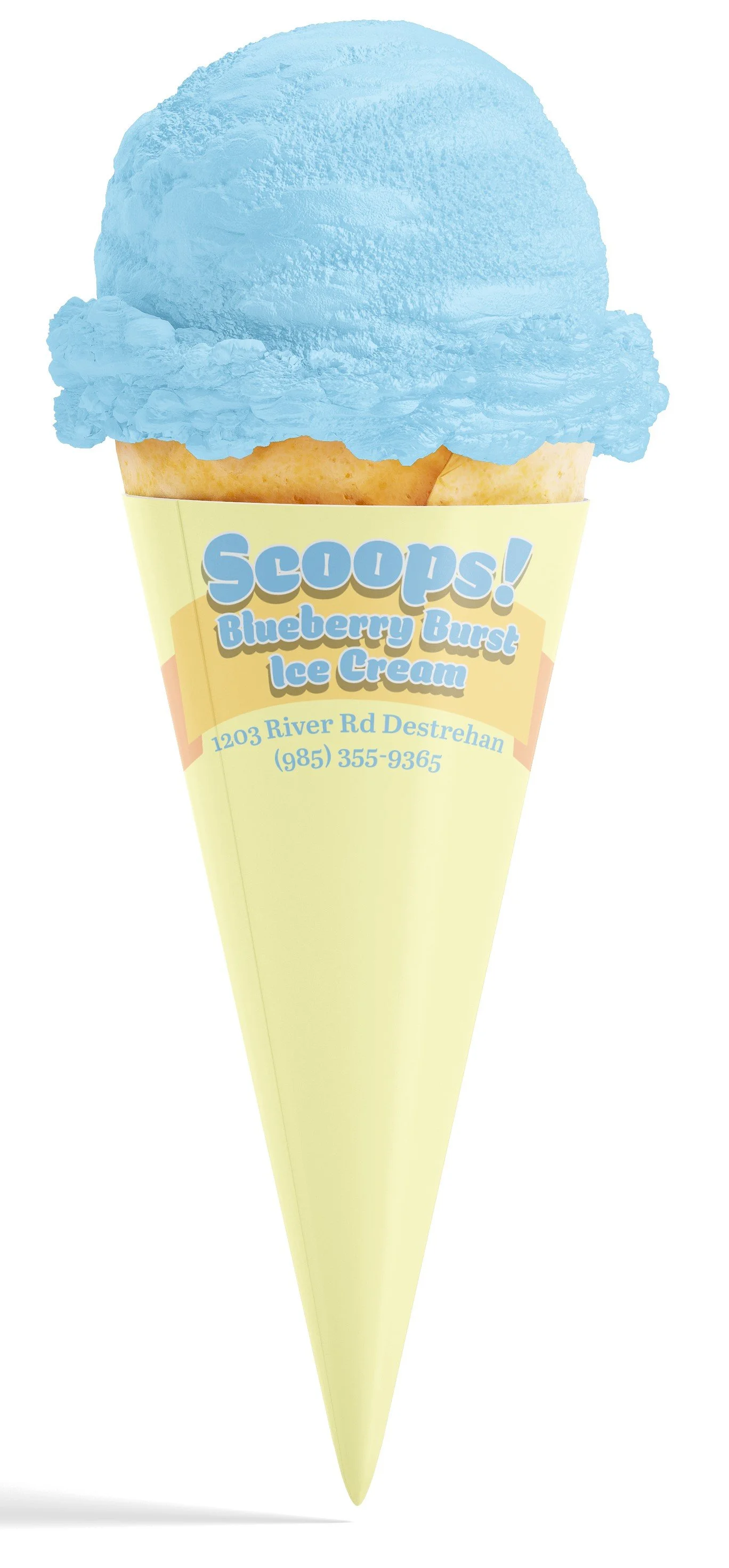
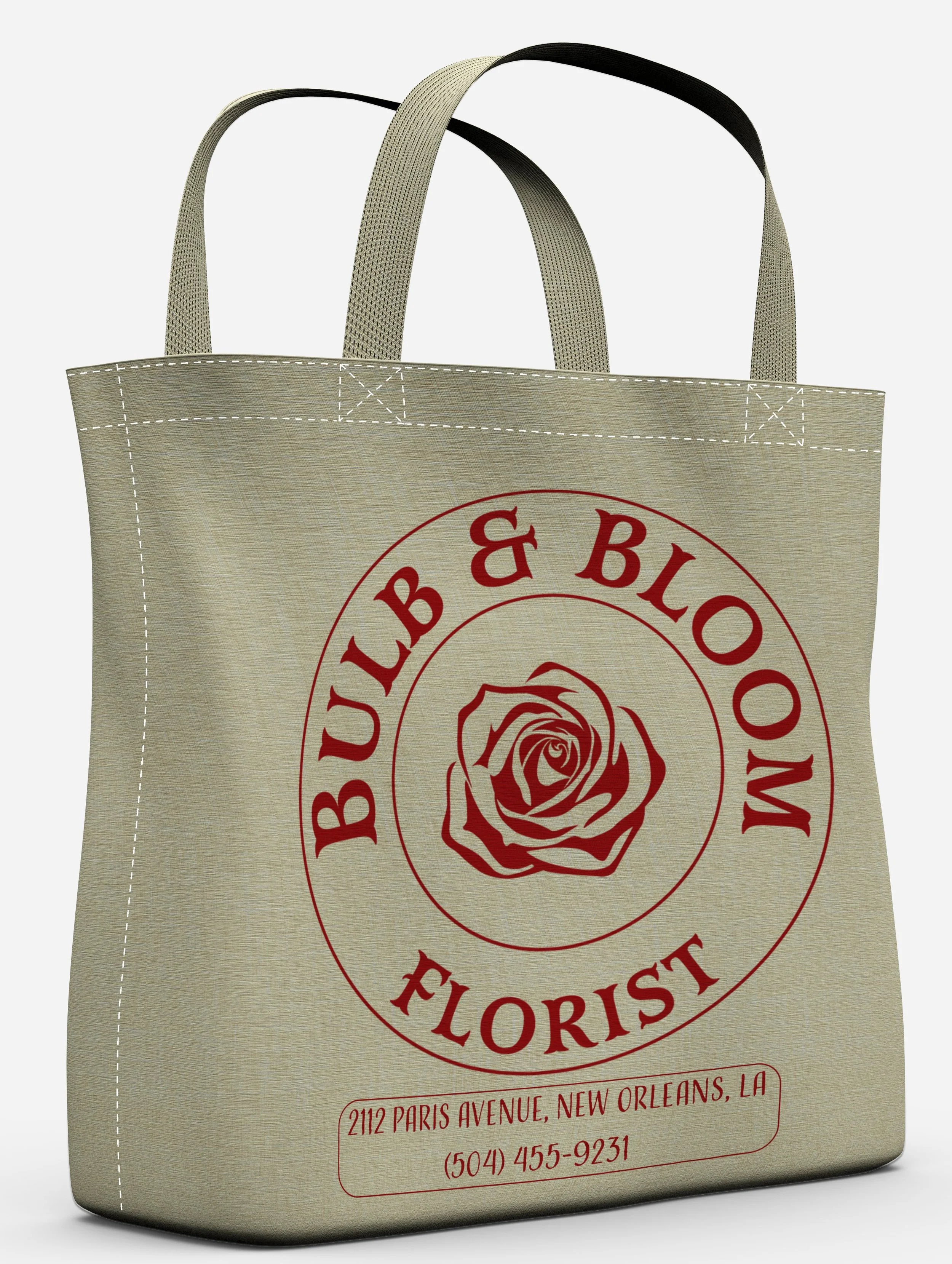
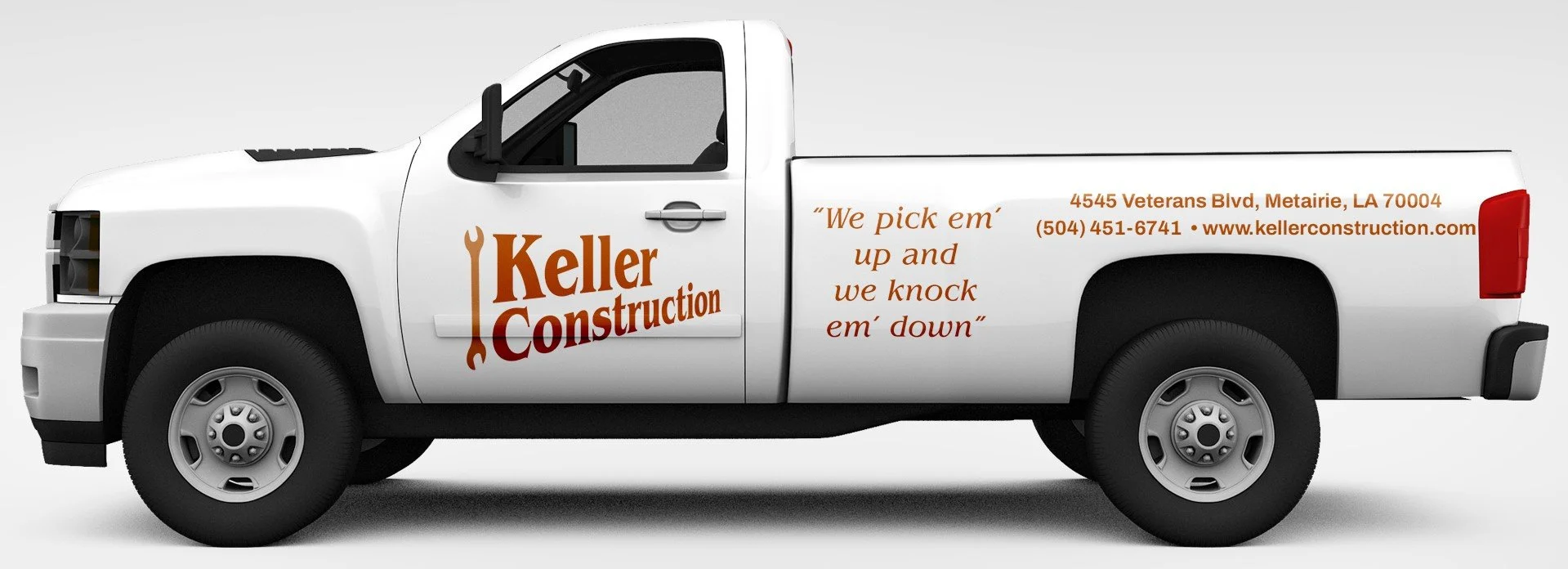
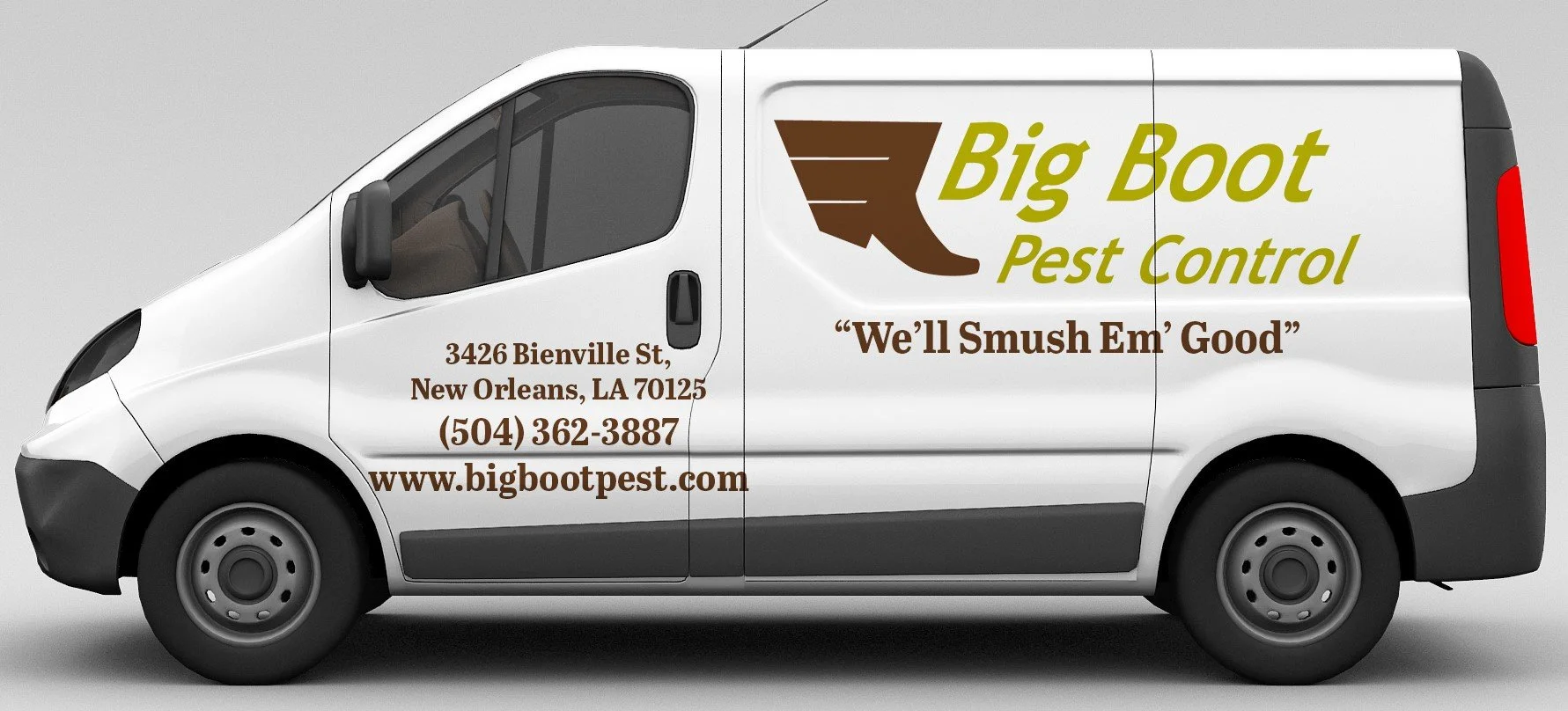
Challenge: Create successful logos for various clients.
Solution: I created logos using Focaltone colors in Adobe Illustrator and then created mockups in Adobe Photoshop.




Branding
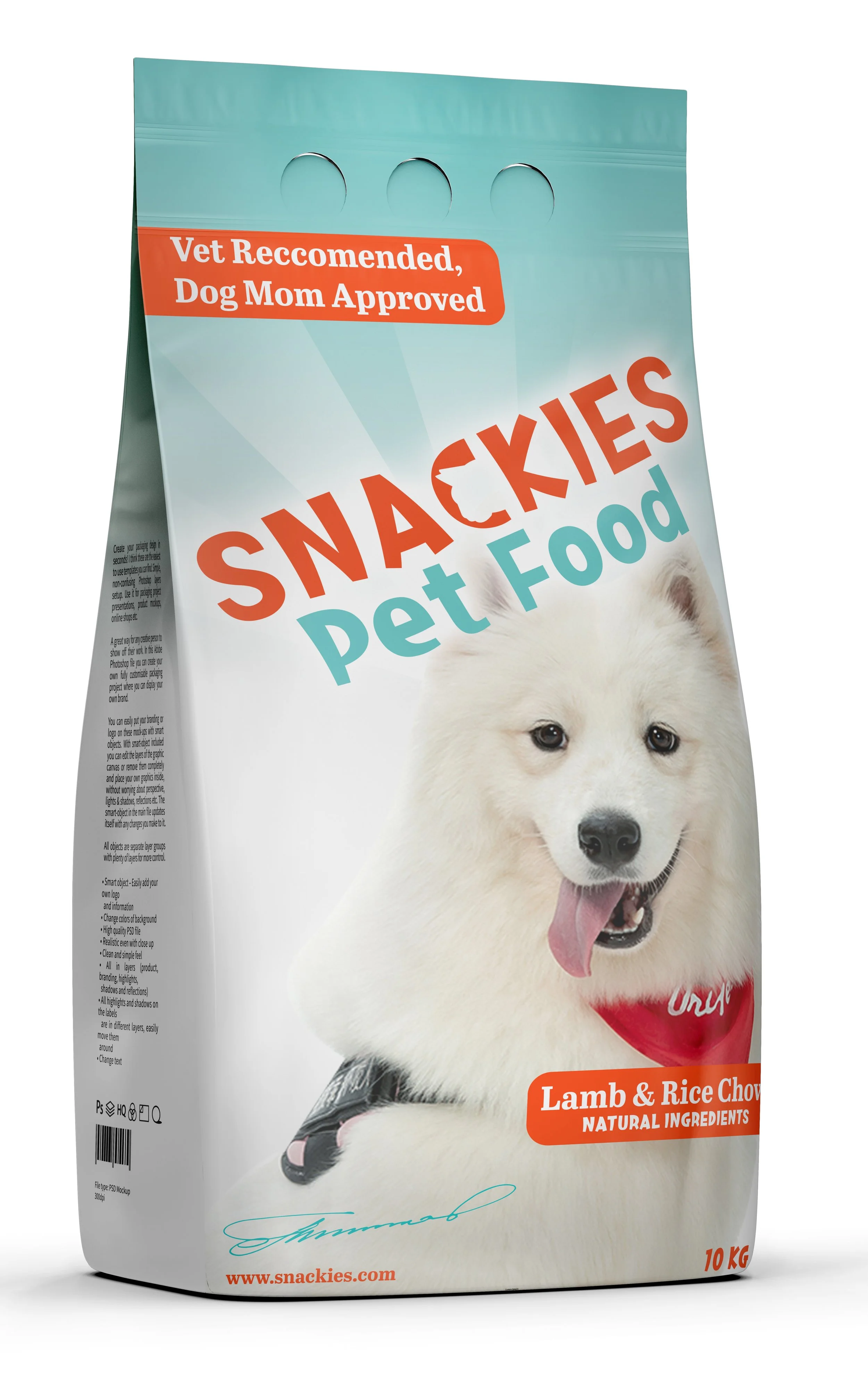
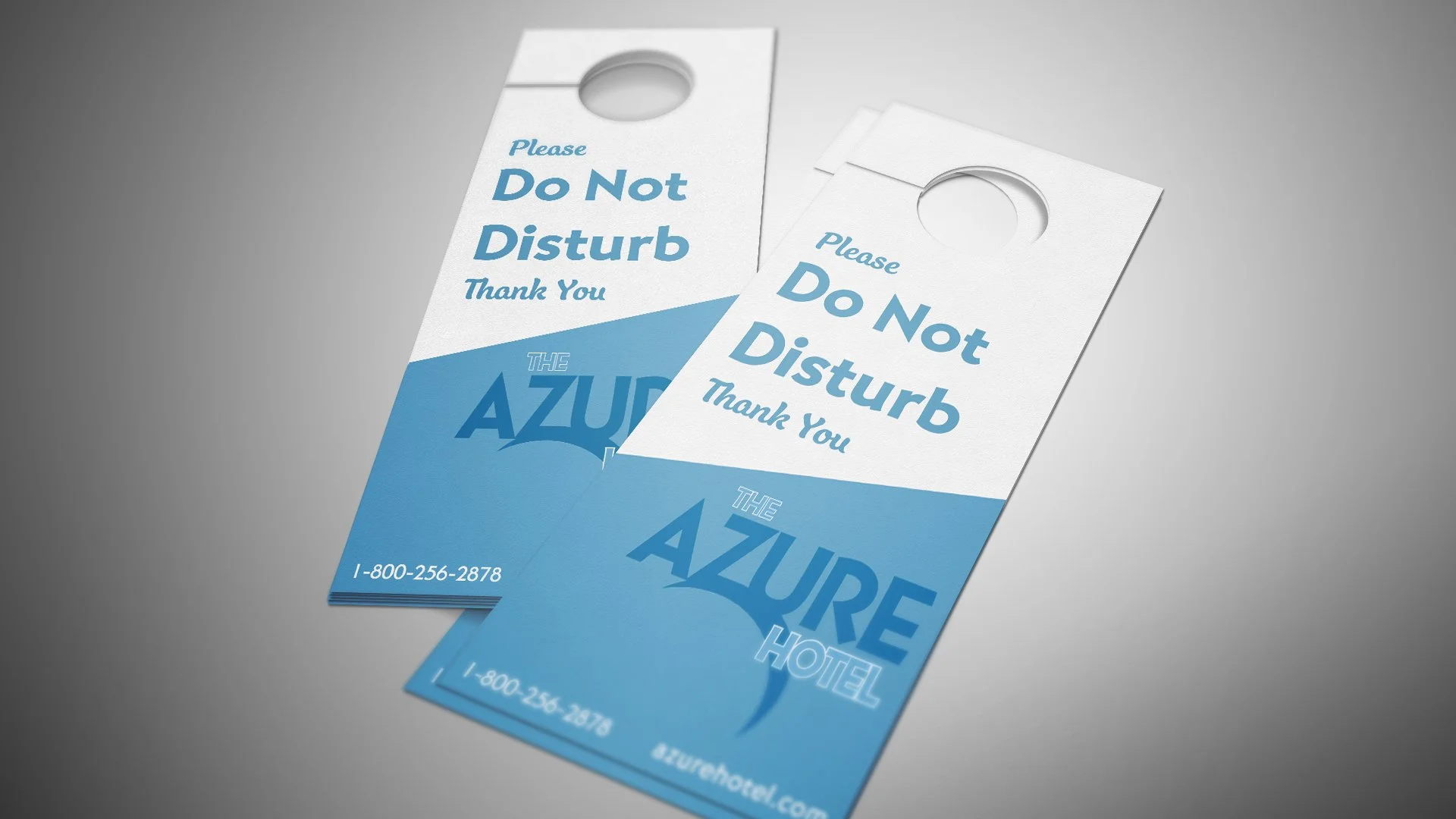
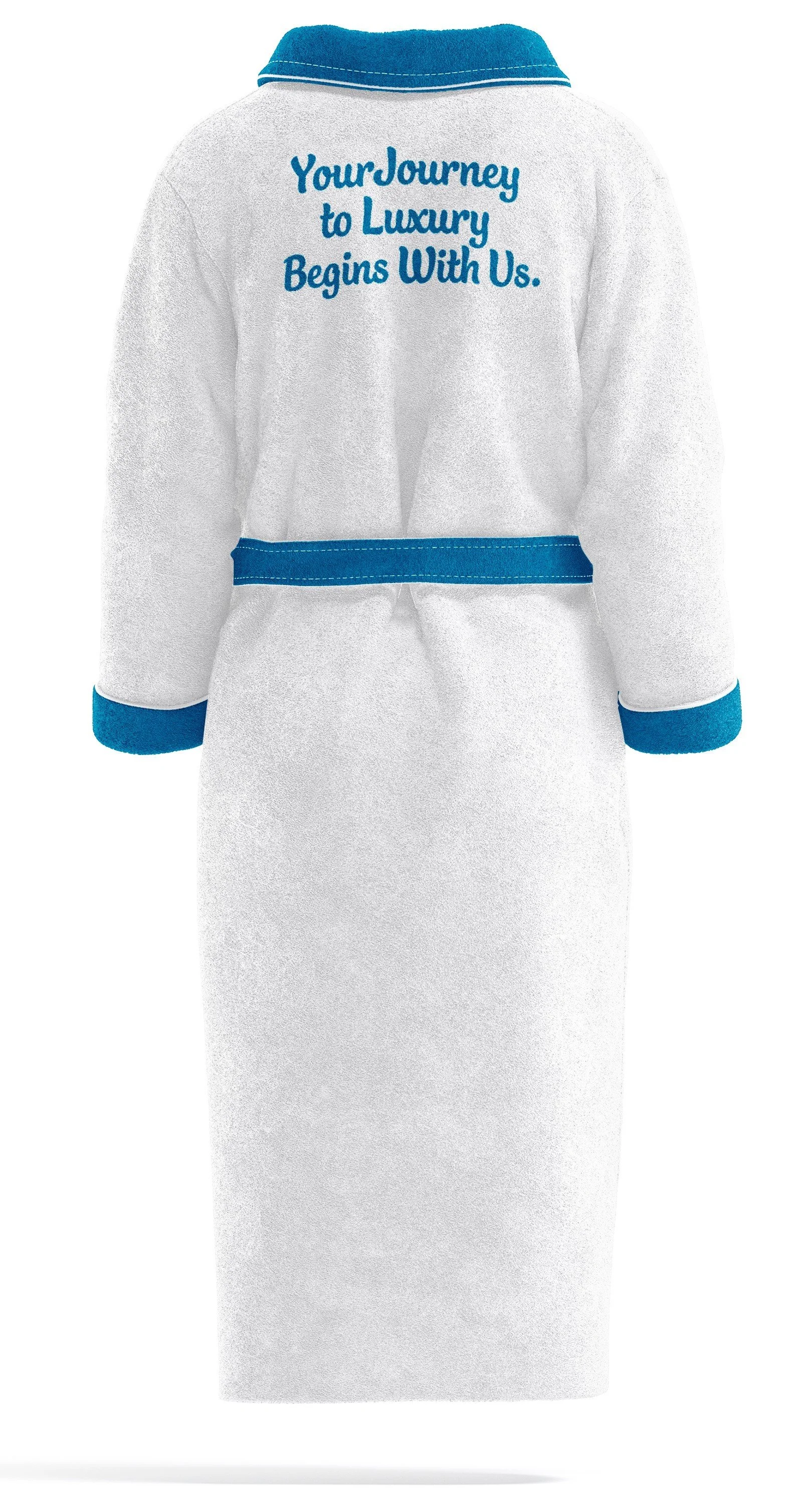
Challenge: Collaborate with other designers to create a cohesive brand image.
Solution: Using Adobe Photoshop I made mockups using the same fonts and color palette as my fellow designers. We collaborated on each step including which way the light blue section on the bottom of the door hanger was angled and which fonts we used to maintain unity amongst the designs. Each design required the use of multiple smart object layers in order to get them where they needed to be.
Teammates: Jenna West (Logo Designer), Daniel Fernandez, Fernando Carbajal, Ryland Colantoni, Aya Sheta, Nokomis Rocker, Delia Pirtle, Annalisa Huete, Zaria Goins,

Typography
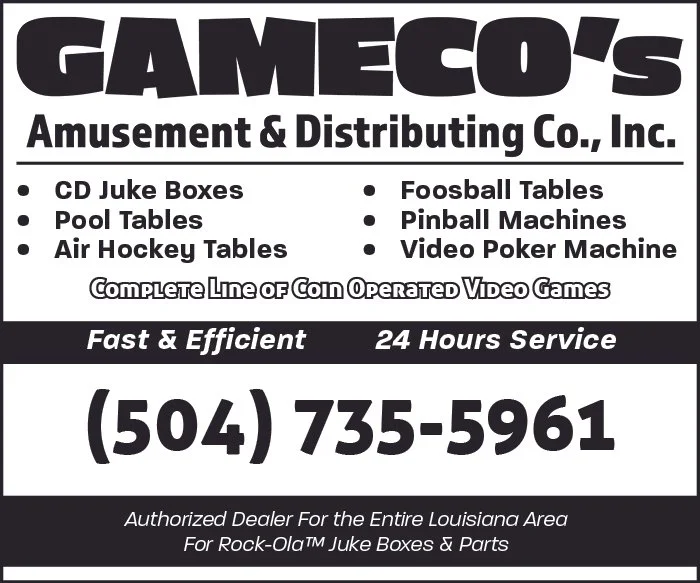
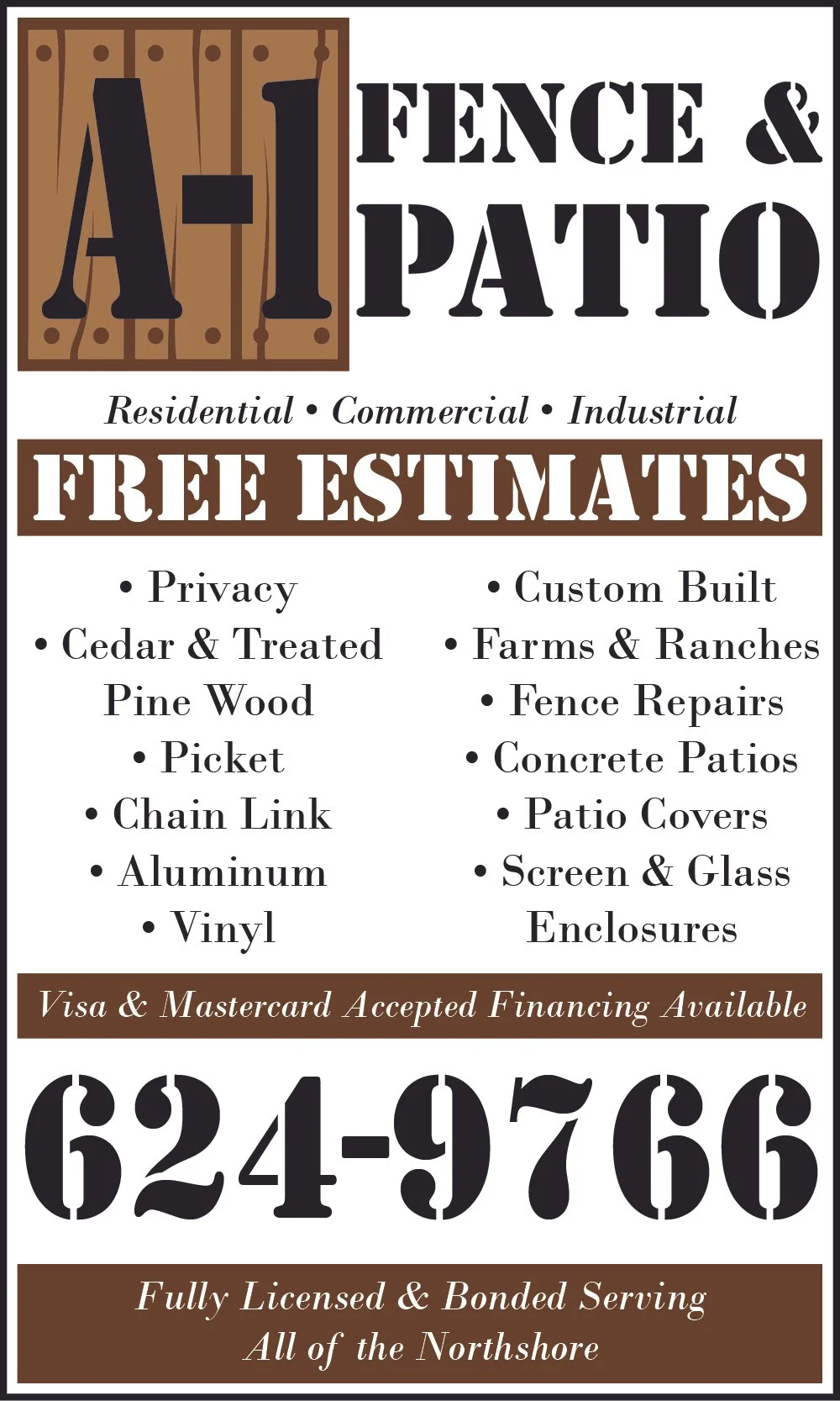
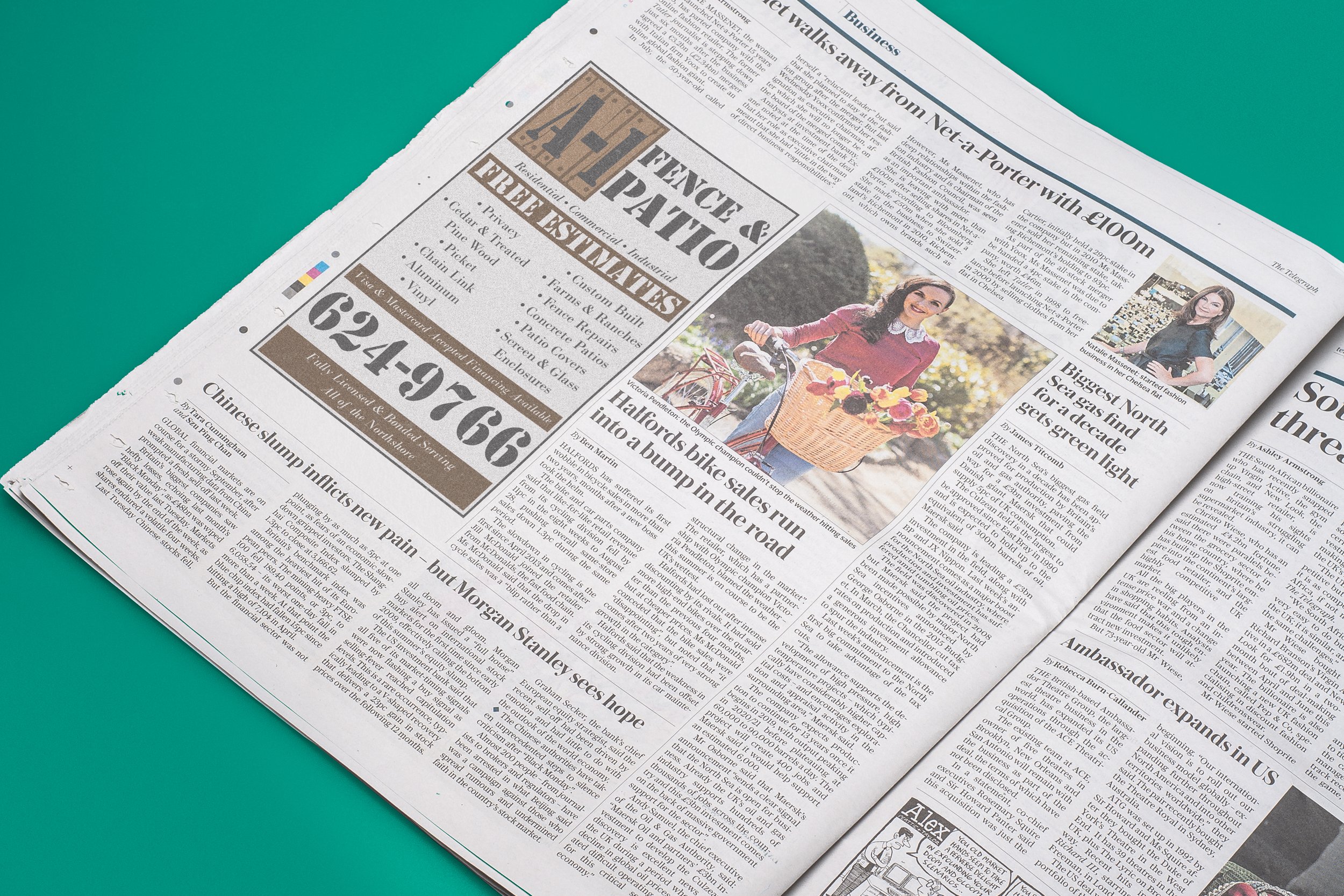
Challenge: Create layouts using prewritten body copy and logos for a client
Solutions: I used Adobe InDesign to create each design.
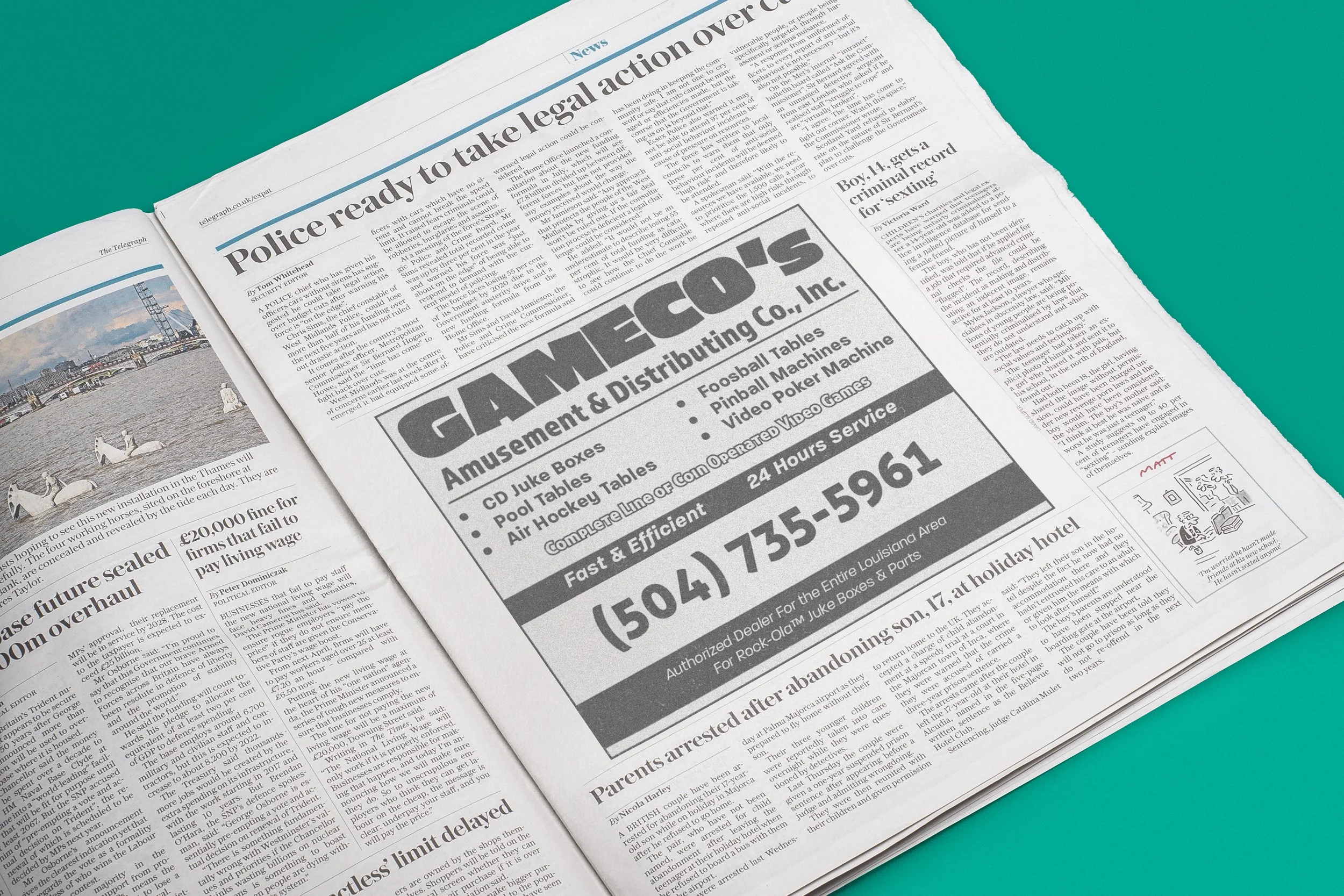
For GAMECO I was restricted to a black and white color palette. Because of this, I had to find creative solutions for text emphasis that would ensure the reader was able to follow the visual hierarchy effectively.
Similarly for A1 Fencing I was limited to only black and one color for the design. The main challenge here was the limited information available in the copy provided. I solved this problem by using rectangles as design elements to help fill some of the empty space and provide opportunities to enhance the visual hierarchy.
Layouts
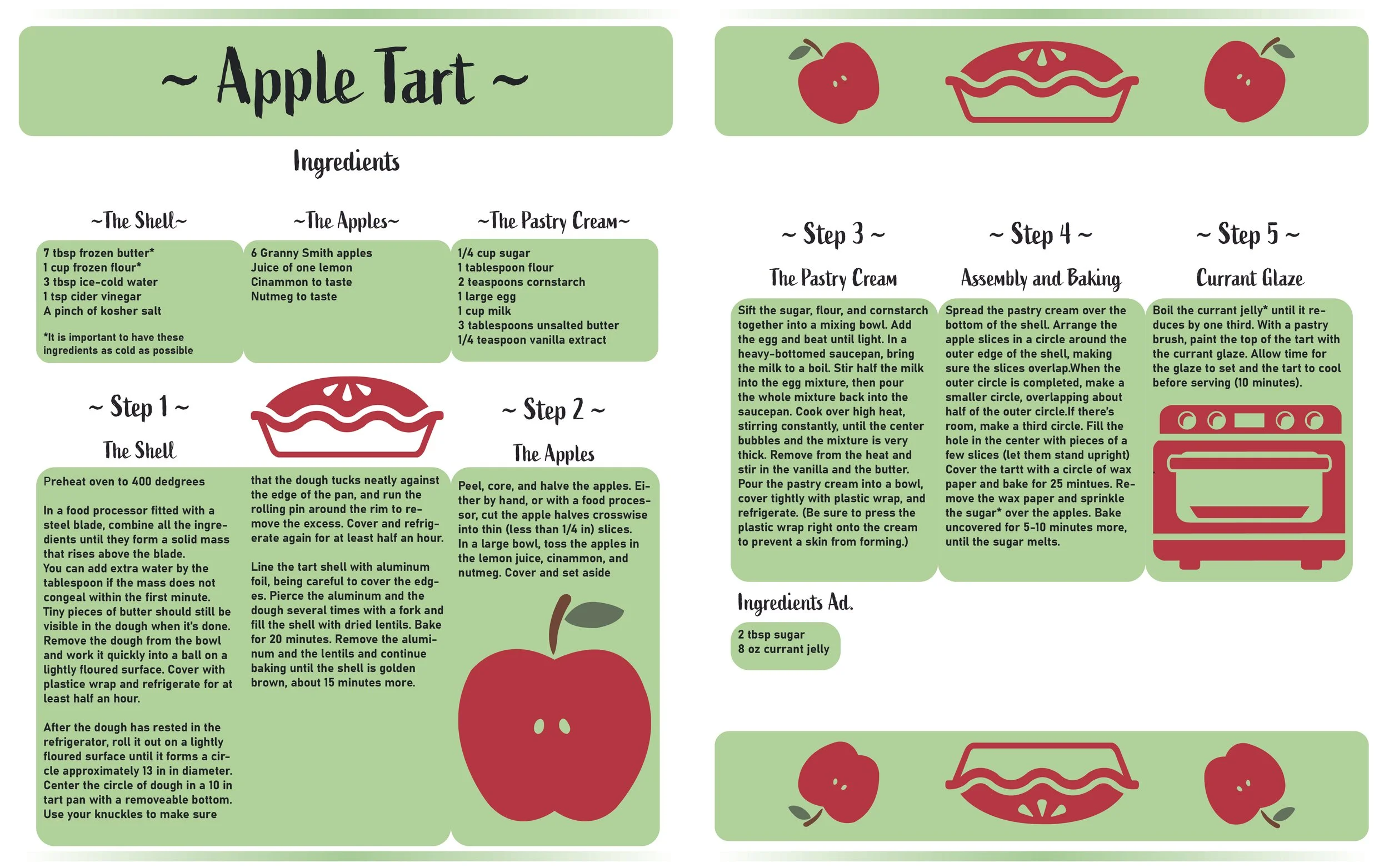
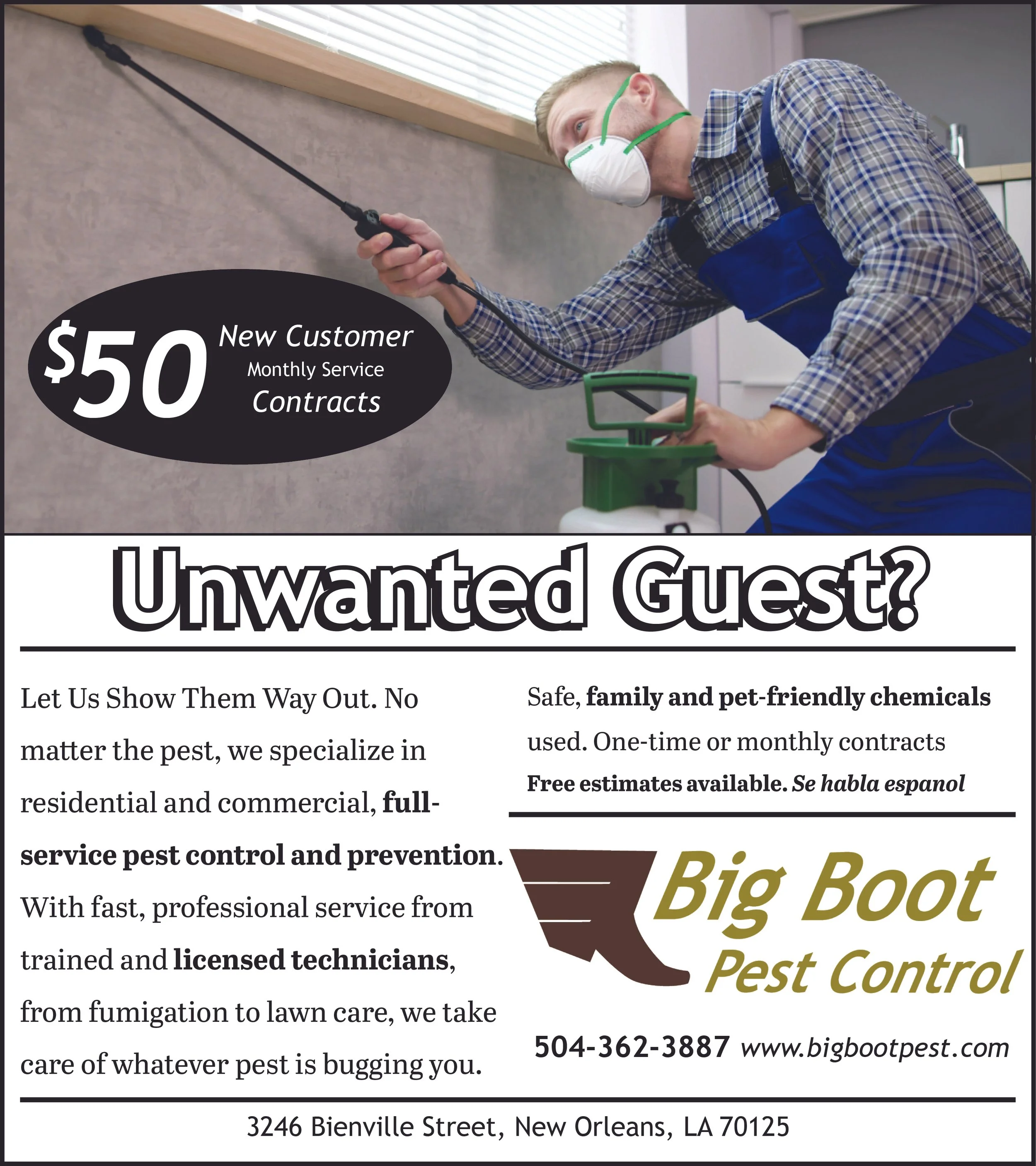
Challenge: Create unique layout designs for clients
Solutions: I used Adobe InDesign to create each design.
For the apple tart recipe I was tasked with creating a 3 column layout using pre-written body copy. To fill out the empty space I used vector graphics that I created in Illustrator.

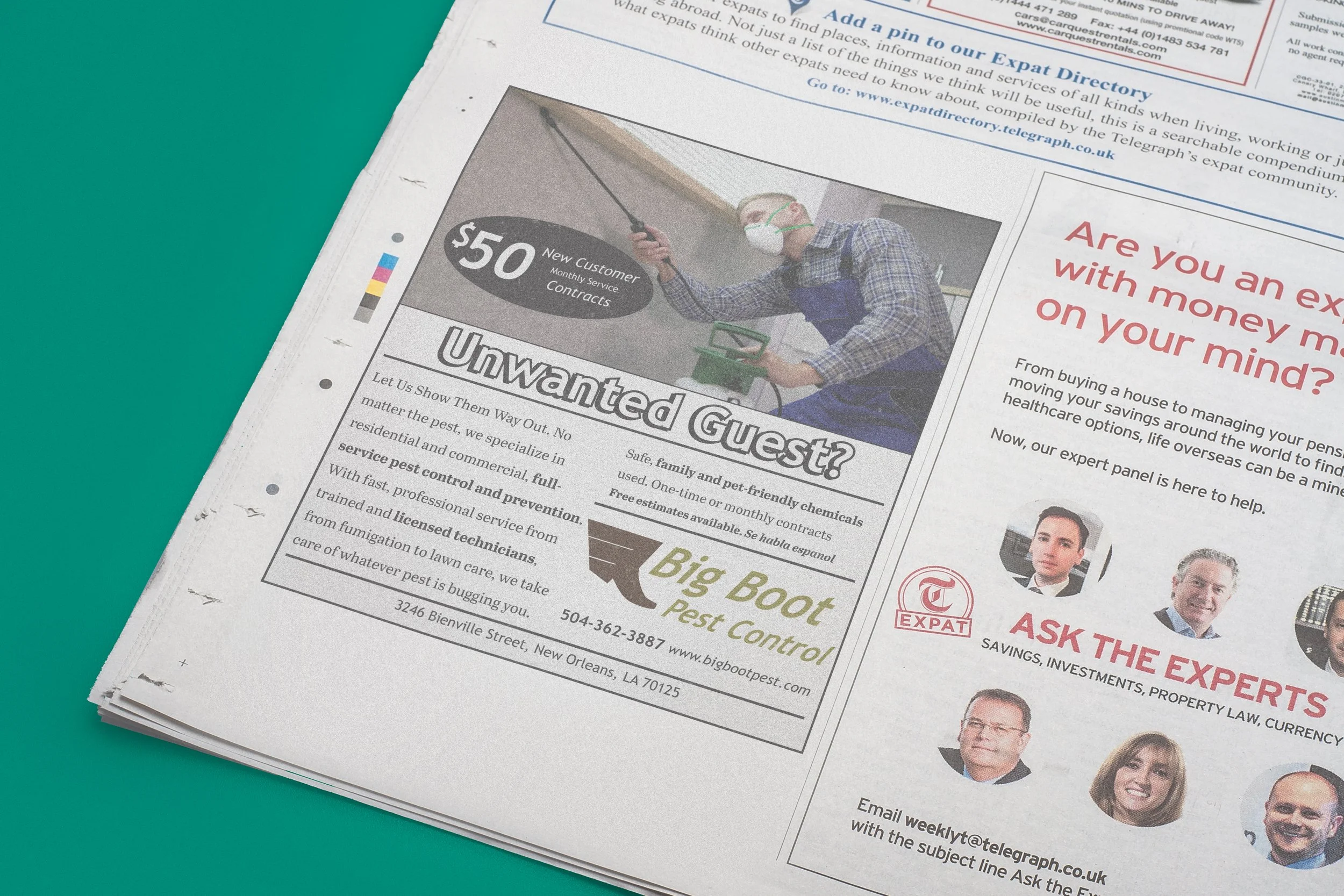
For Big Boot Pest Control I created a full page, half page, and quarter page layout to advertise the business. The one showcased here is the full page layout. I then created A mockup in Photoshop.
Ad Design
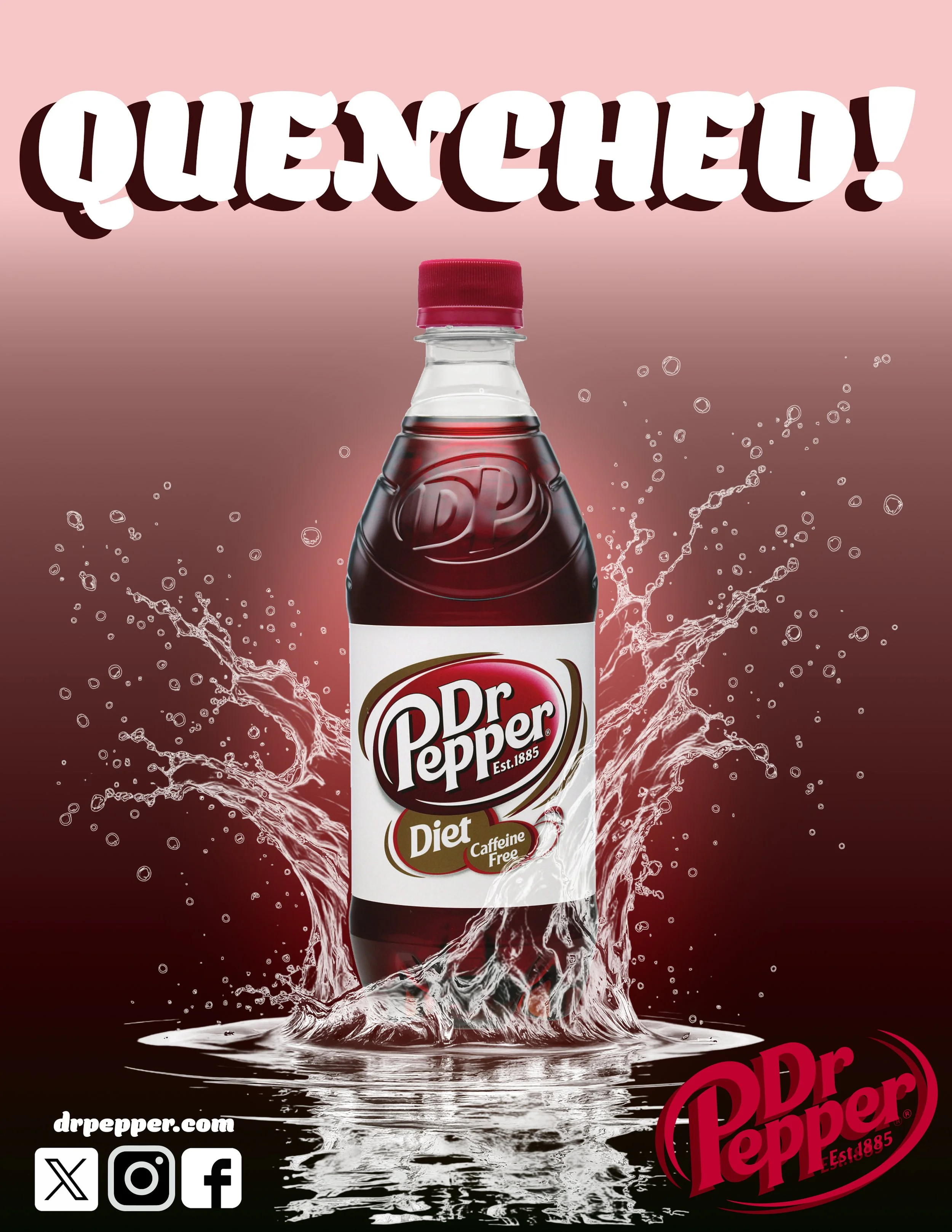
Challenge: Create simple street ads that draw the viewers attention.
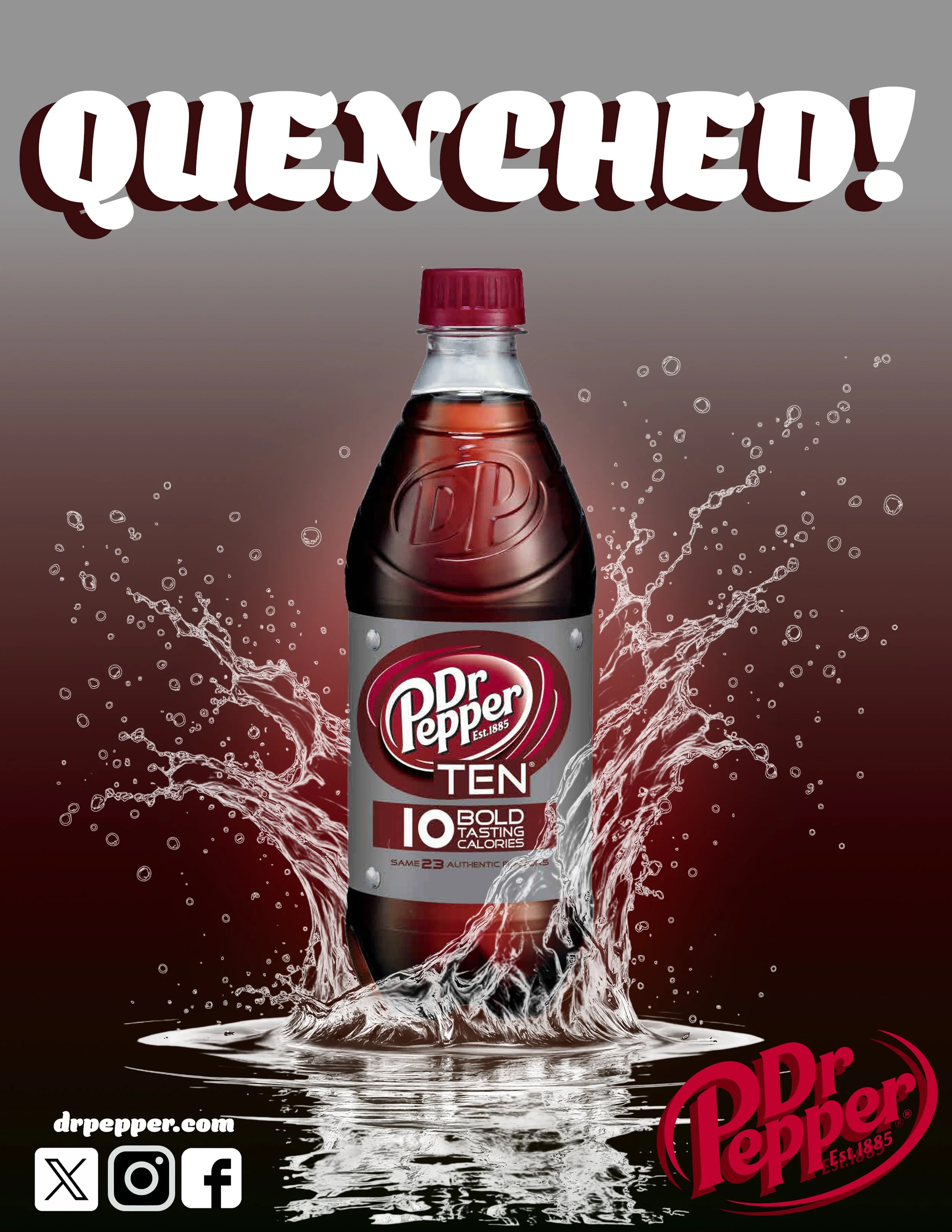
Solution: I used Adobe Photoshop for each design
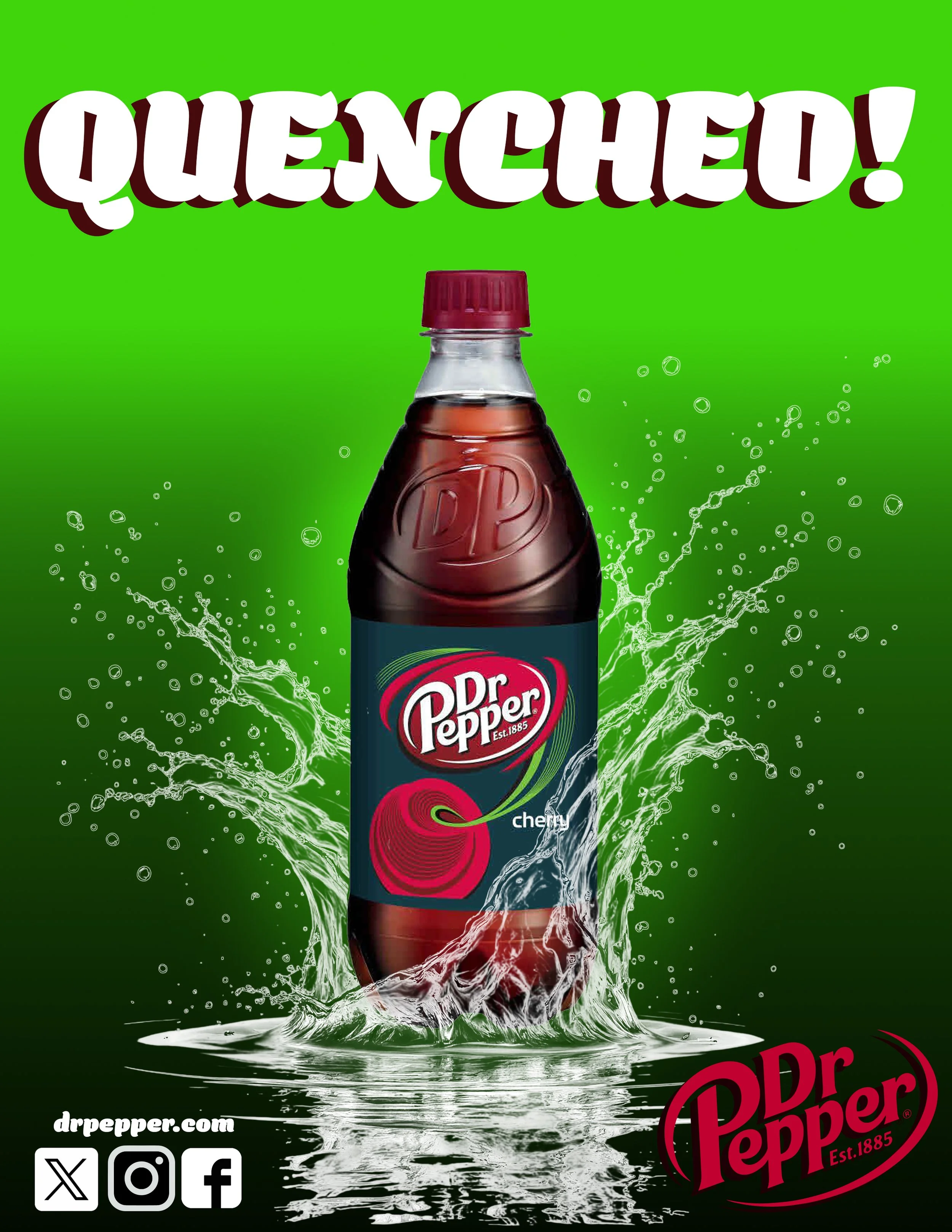
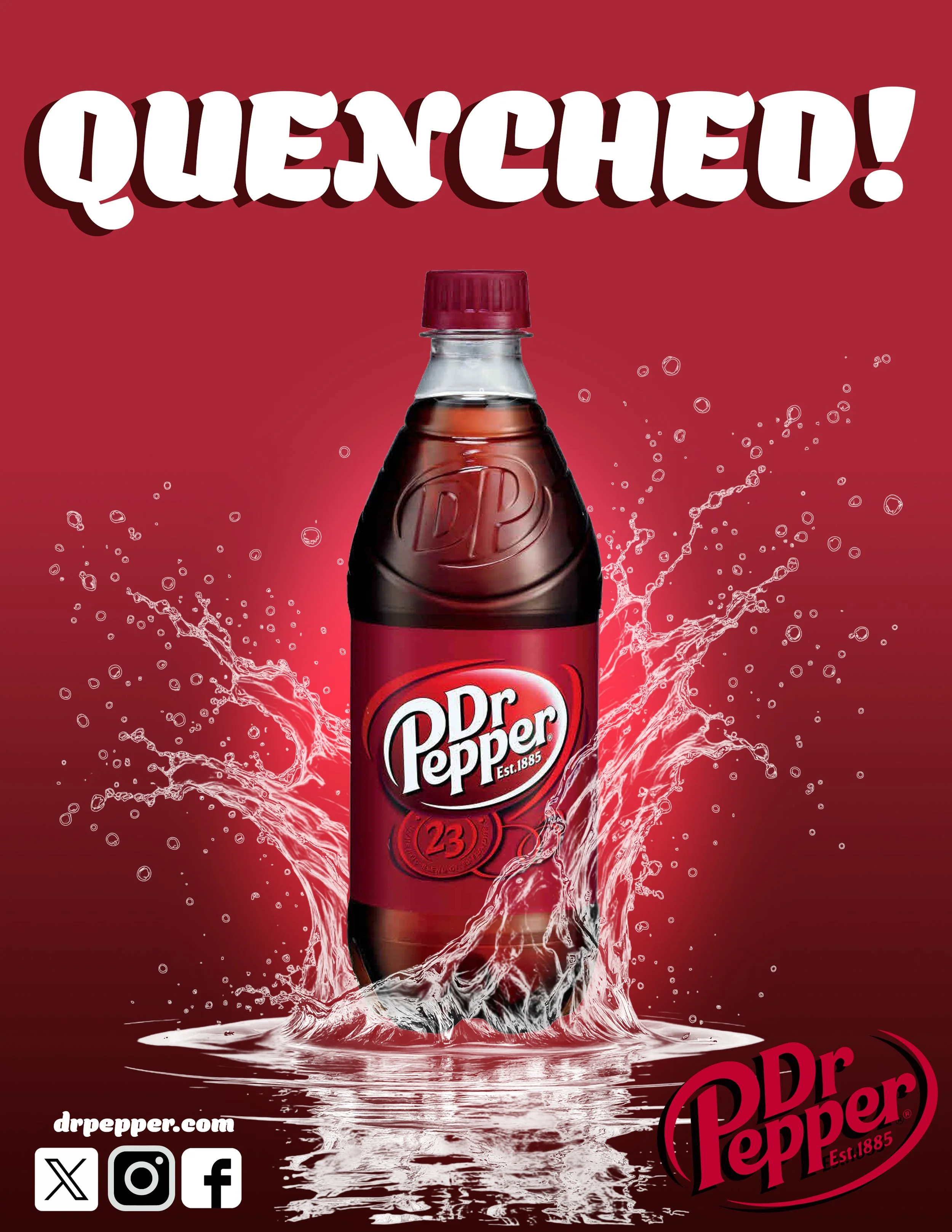
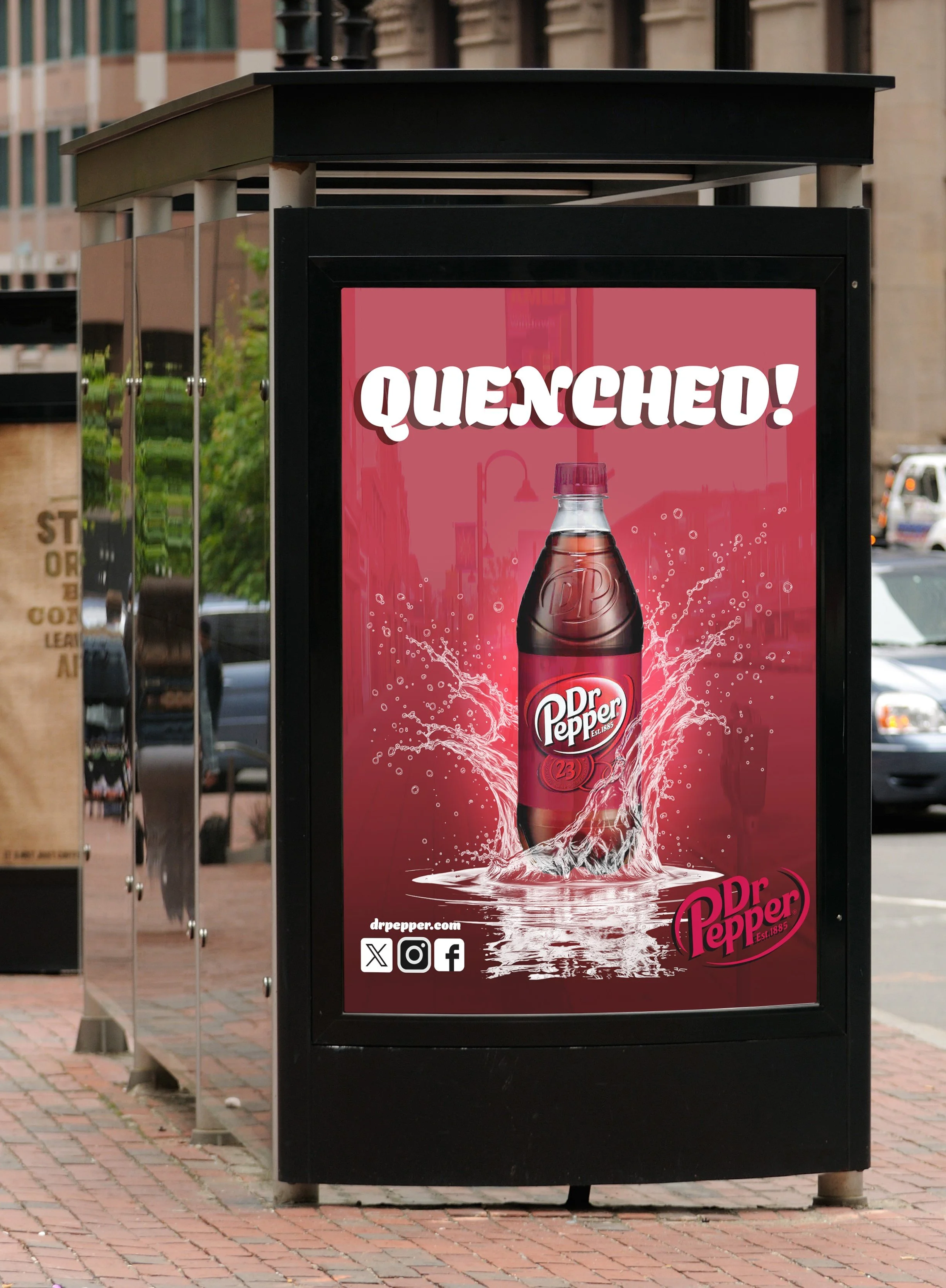
I created an ad series for Dr Pepper using logos and images provided to me. I used very simple colors to attract the viewers attention with large text in a contrasting color for emphasis. I also used a corona effect, drop shadow, and a splash effect to create the illusion of it being a photo for budget purposes. Each design was created in the same Photoshop file using groups to separate them.
2.
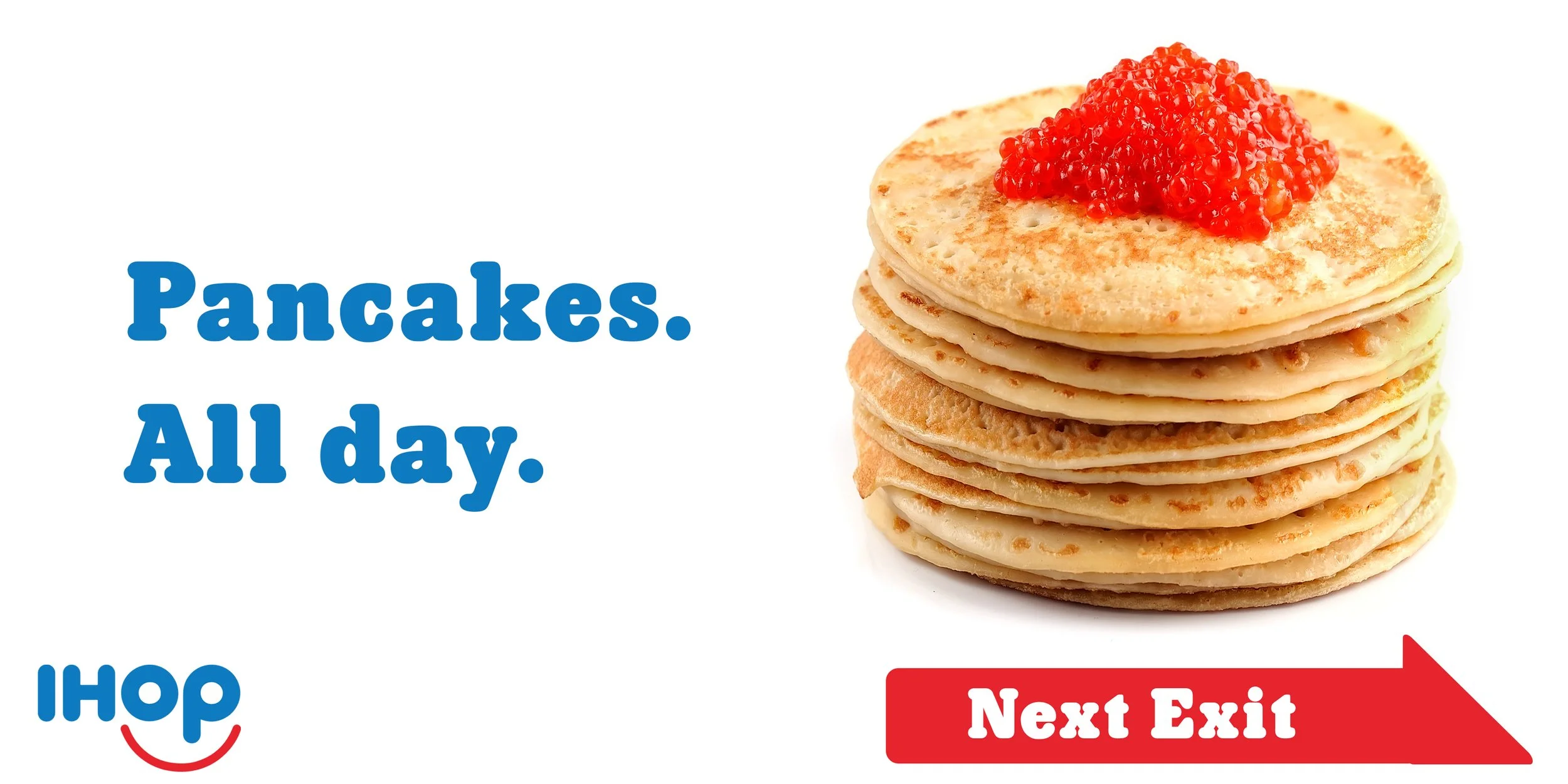
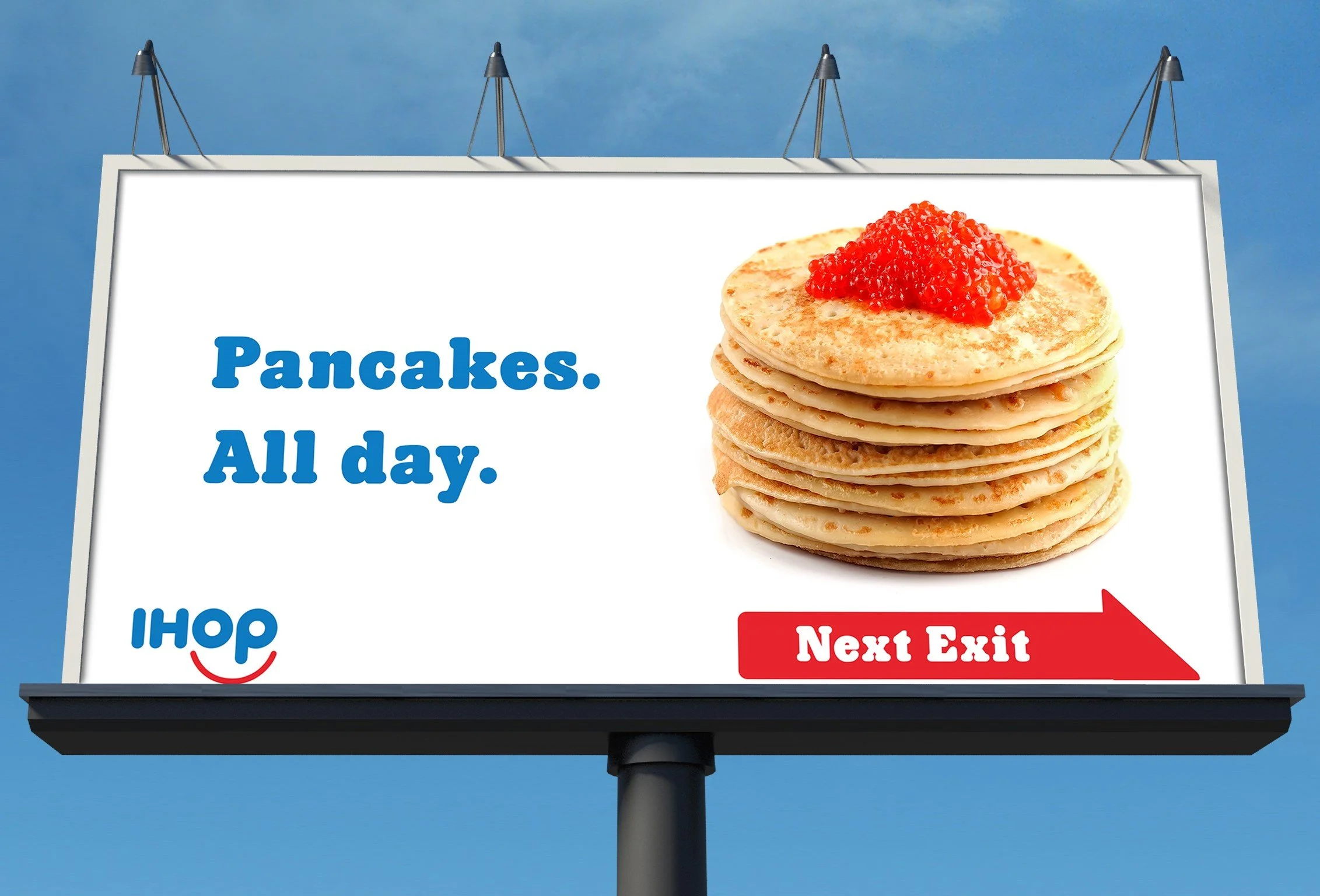
For the IHOP roadside billboard, I used bright contrasting colors that can be read easily by drivers in 3 to 5 seconds.
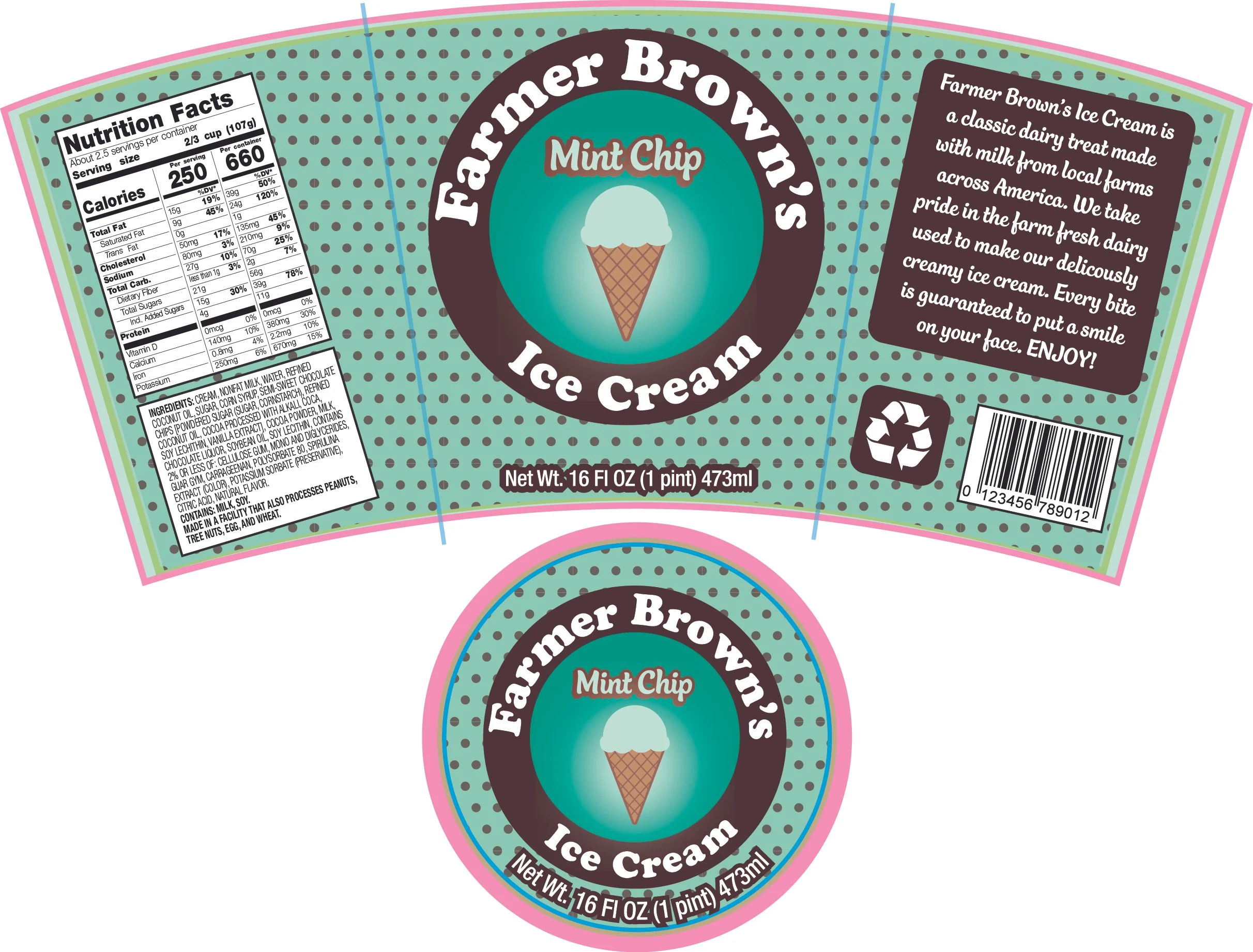
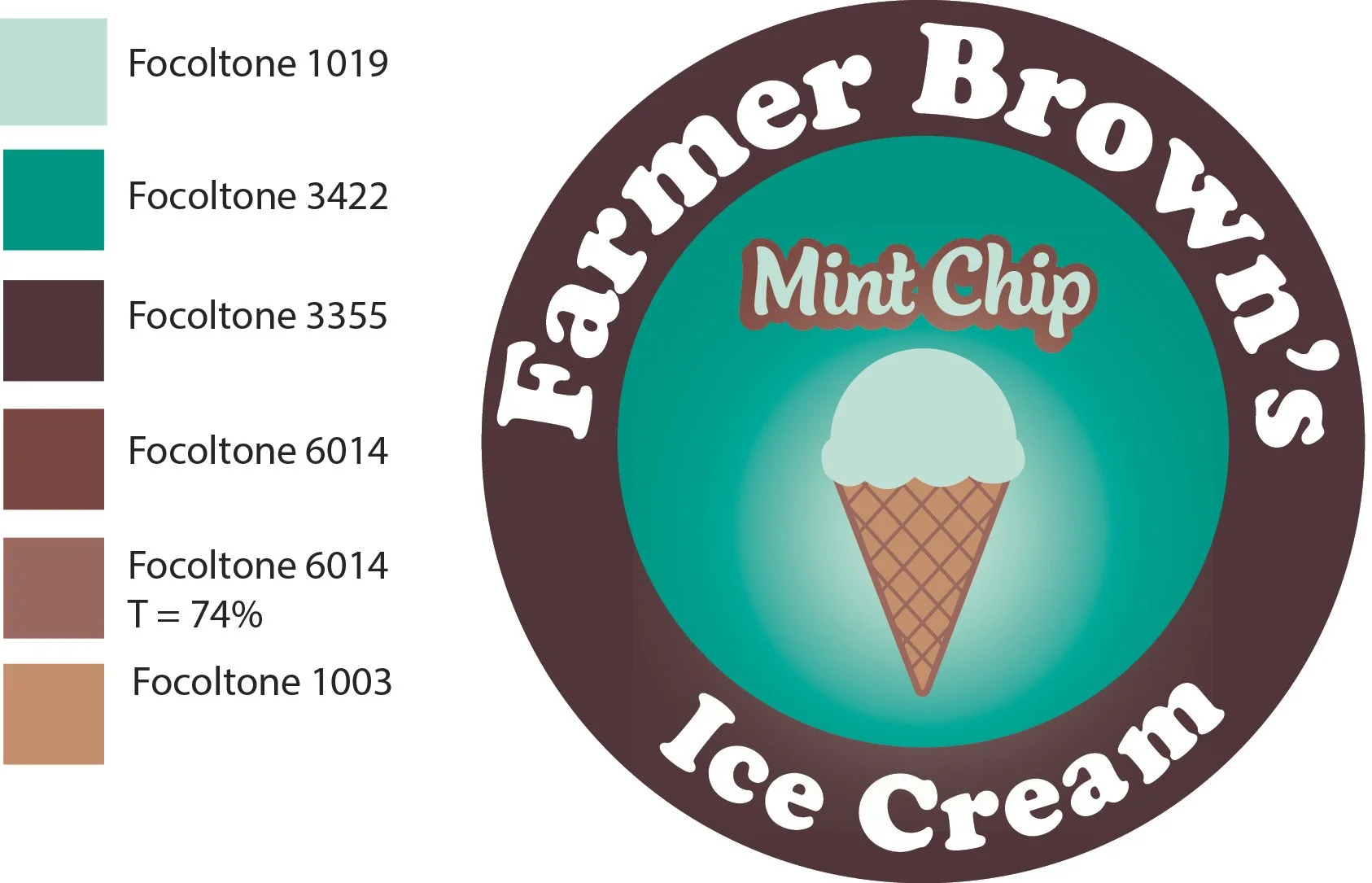
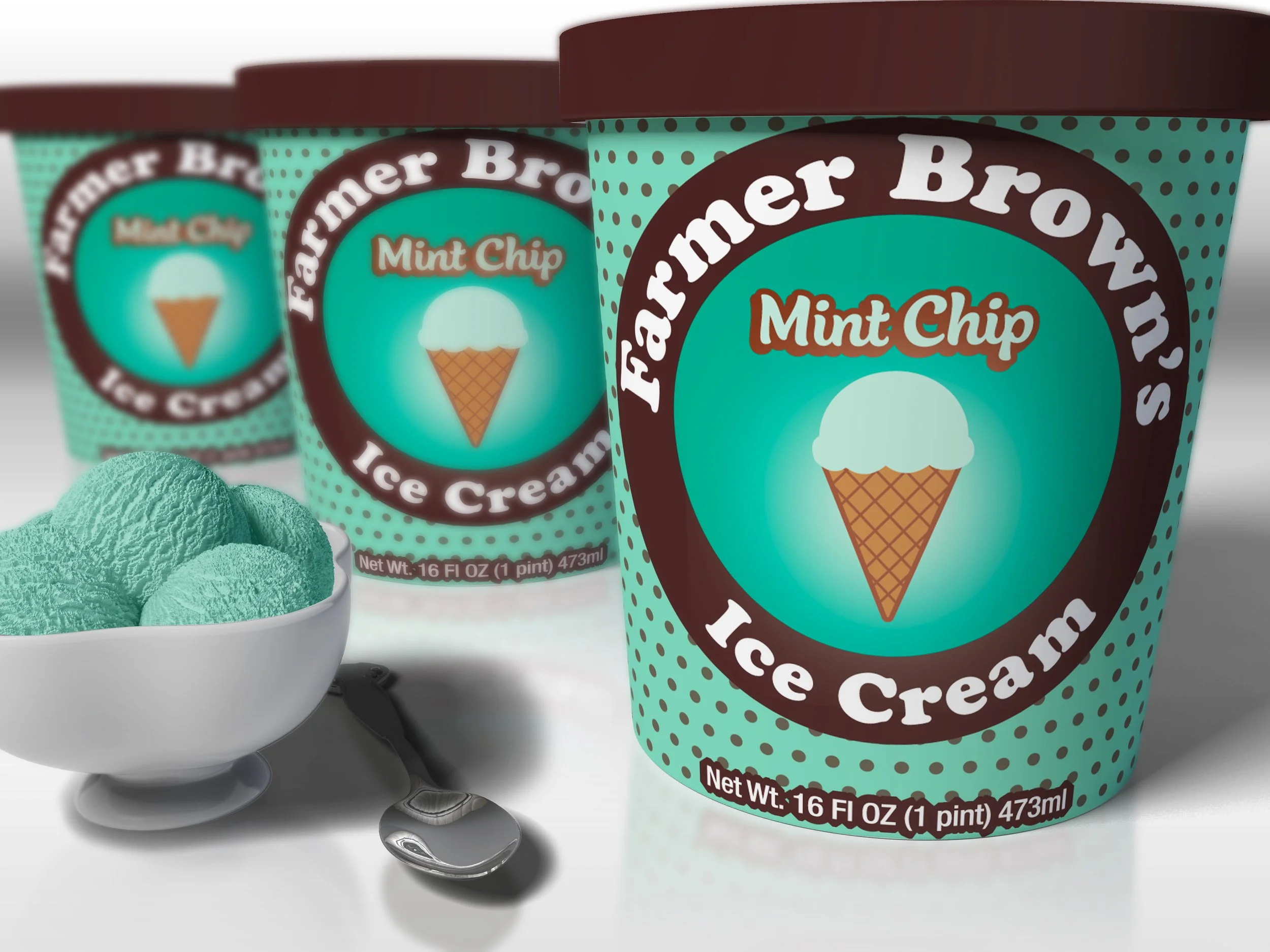
Challenge: Create a package and logo for Farmer Brown’s Ice Cream
Solution: I used Illustrator to create the logo and then used the colors and fonts from the logo to create the package using a template provided to me. I used the pattern tool to create the polka dot pattern in the background. For the mockups I had to make several adjustments to the shape of the logo to make sure that it sat correctly in the smart layer in Photoshop.
Pre-press
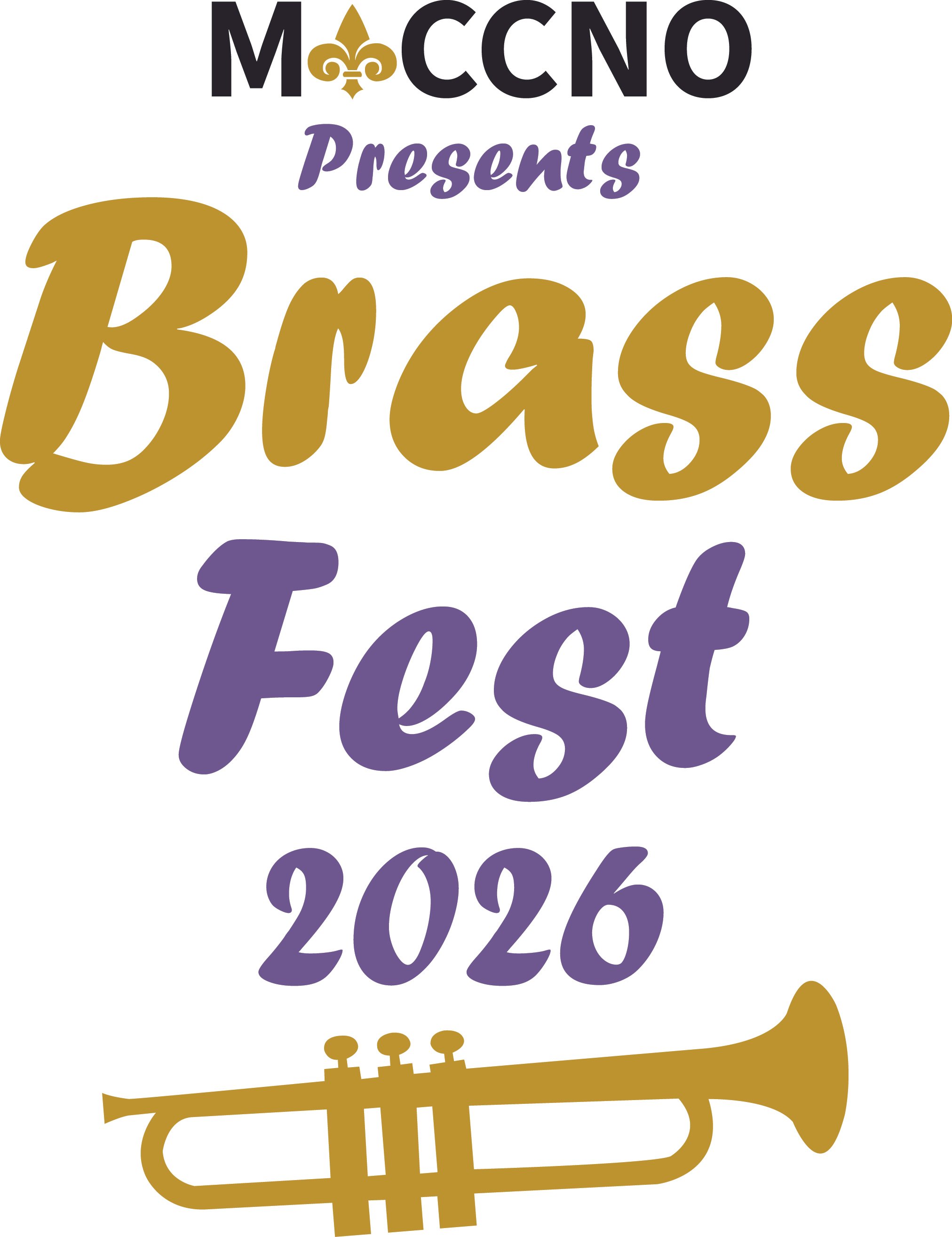
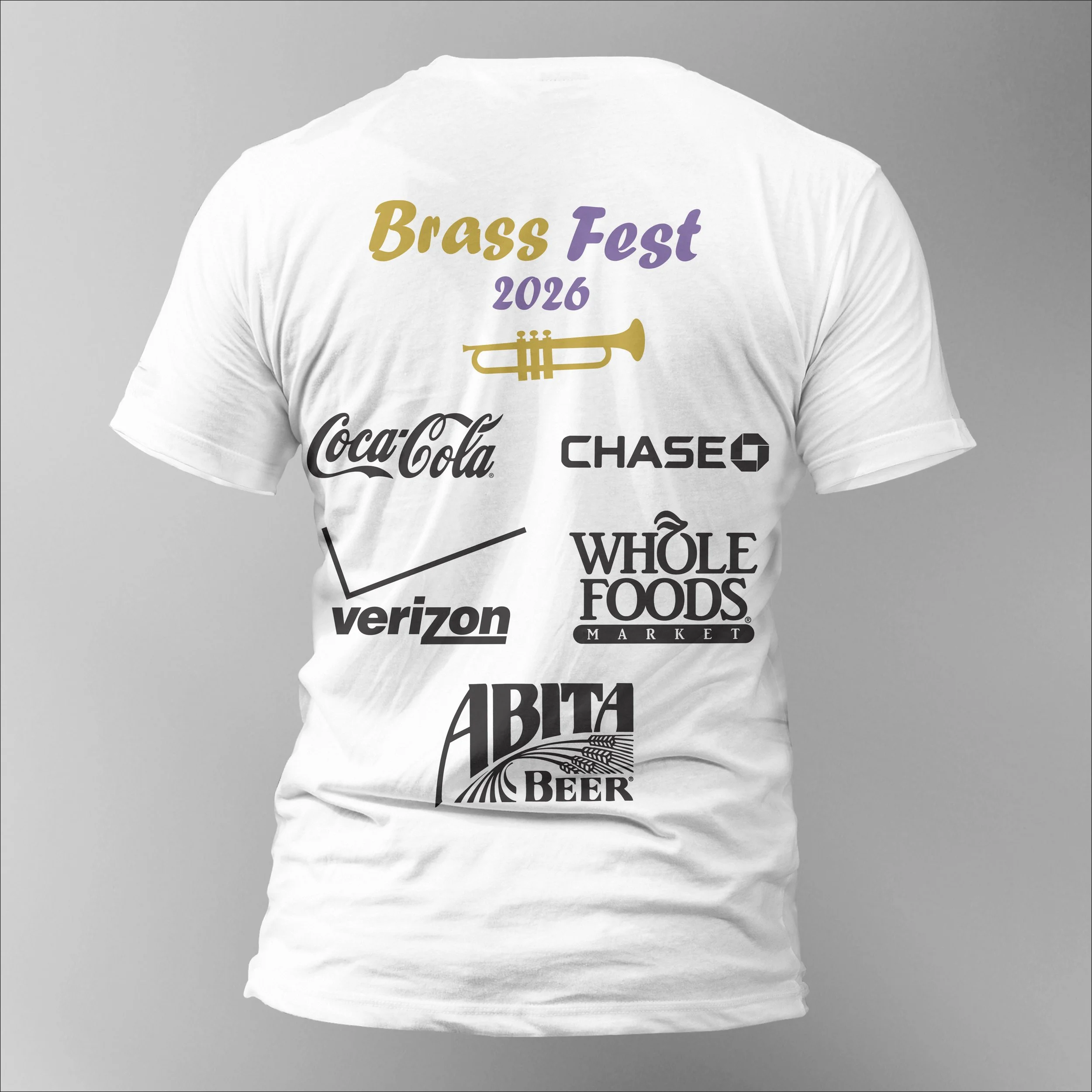
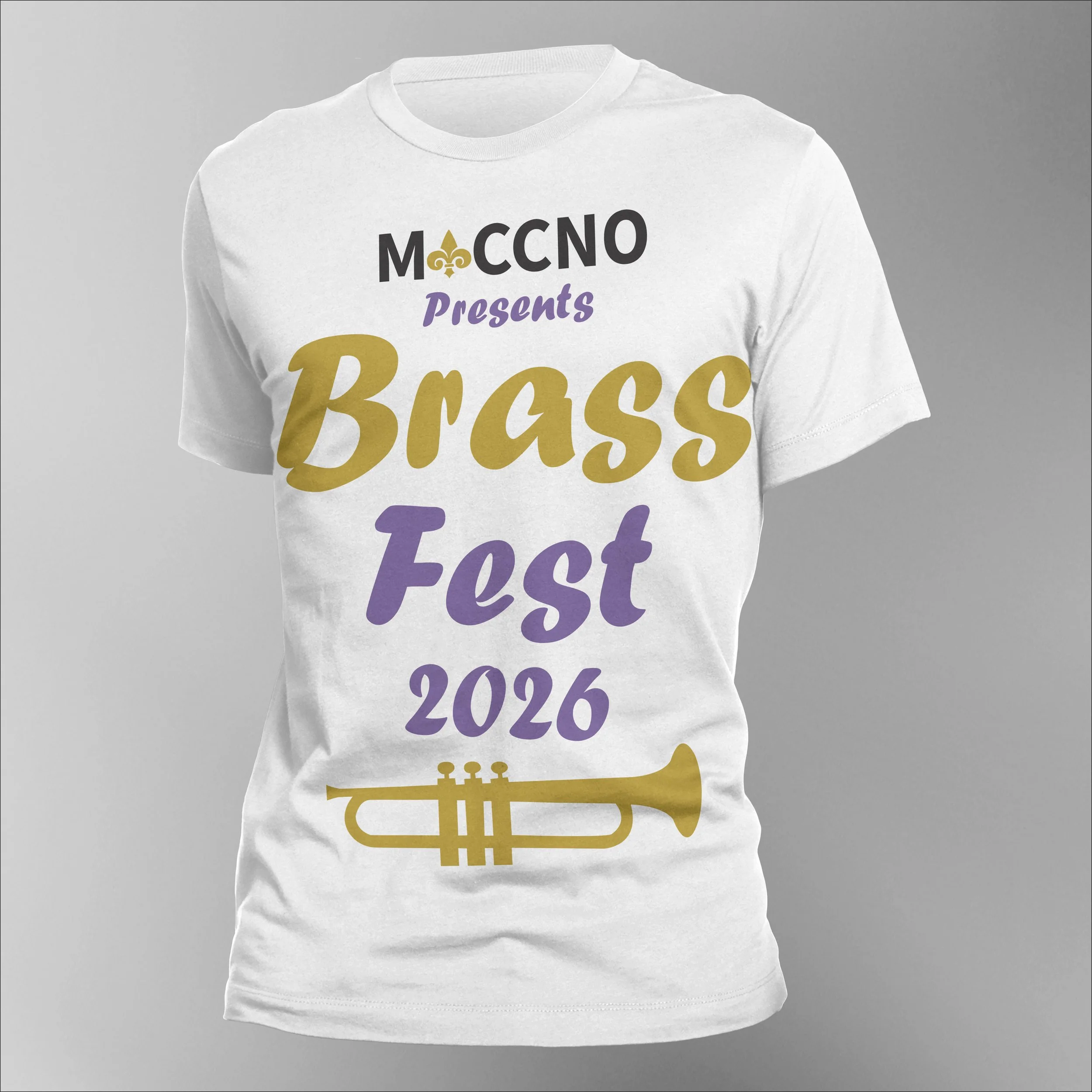
Challenge: Create a design that can be screen printed.
Solution: Using Adobe Illustrator I created vector graphics and created a layout for both the front and back of the design. I then separated the design using spot colors on layers and pulled separations to make sure my spot colors didn’t pull as process colors. I then used Photoshop to create mockups.
Process
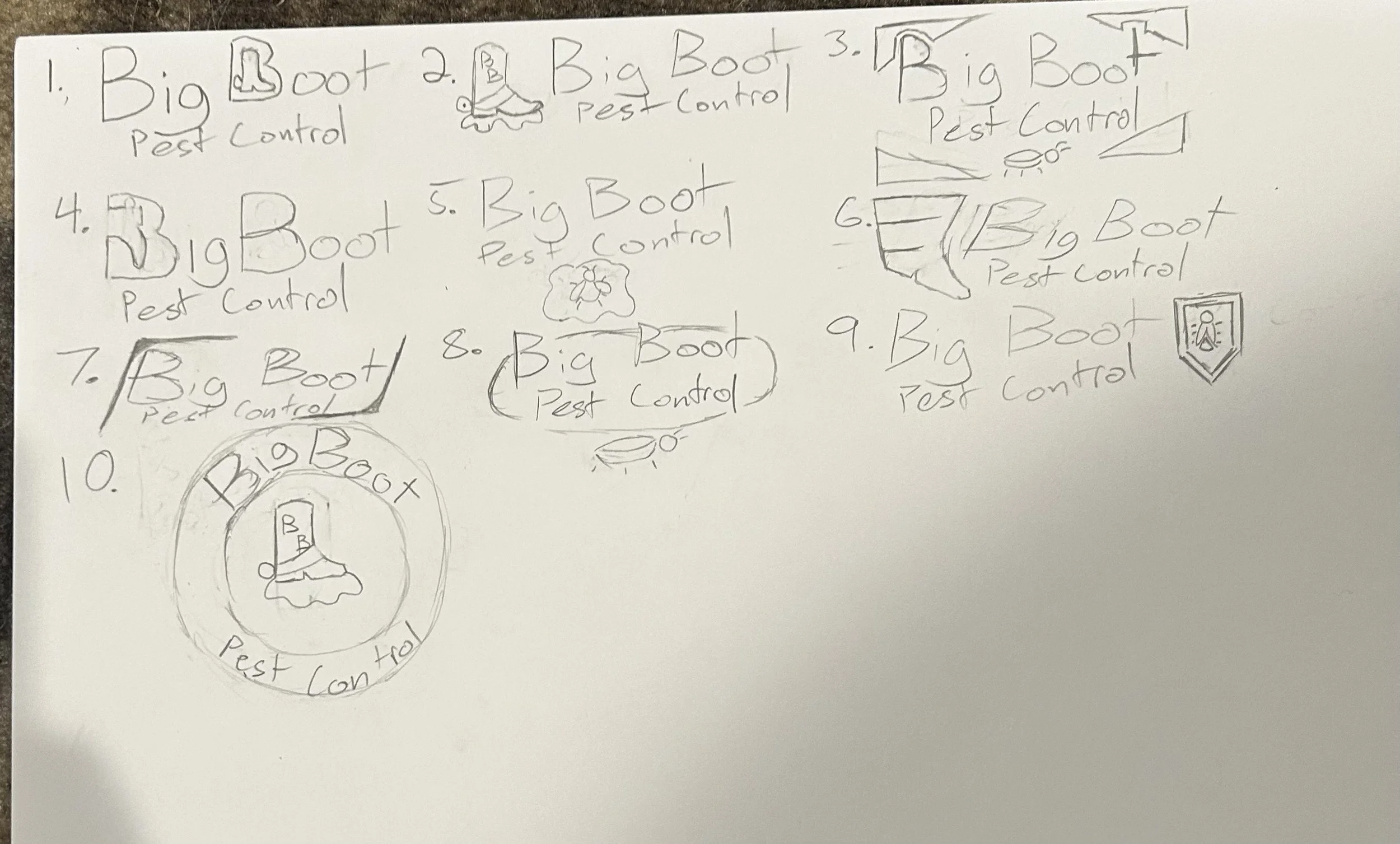
Challenge: Showcase my design process using a logo.
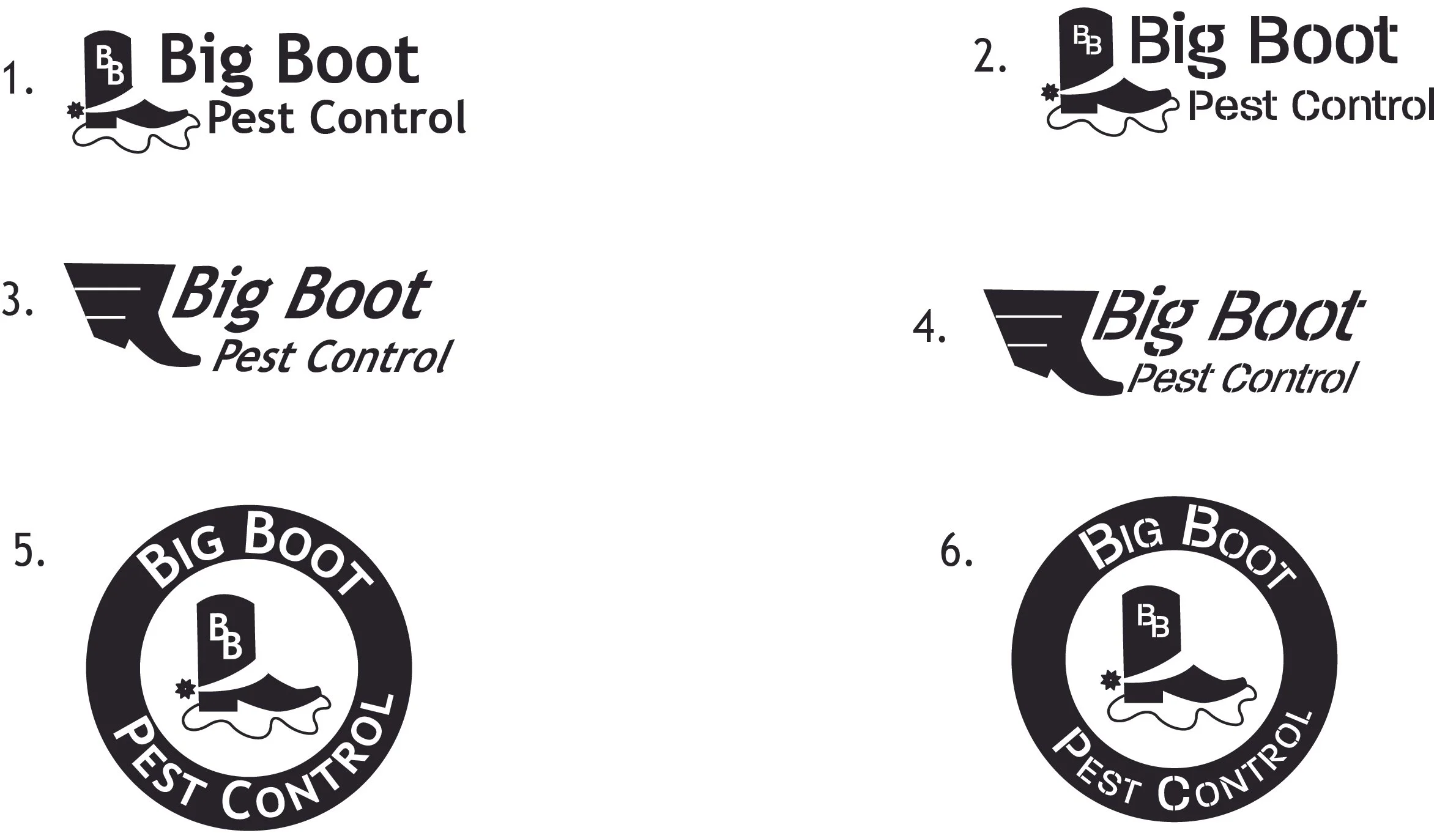
Solution: 1. I started with 10 thumbnail sketches.
2 .Once the client decided which 3 sketches they liked most I created black and white comps in Illustrator using two different fonts.
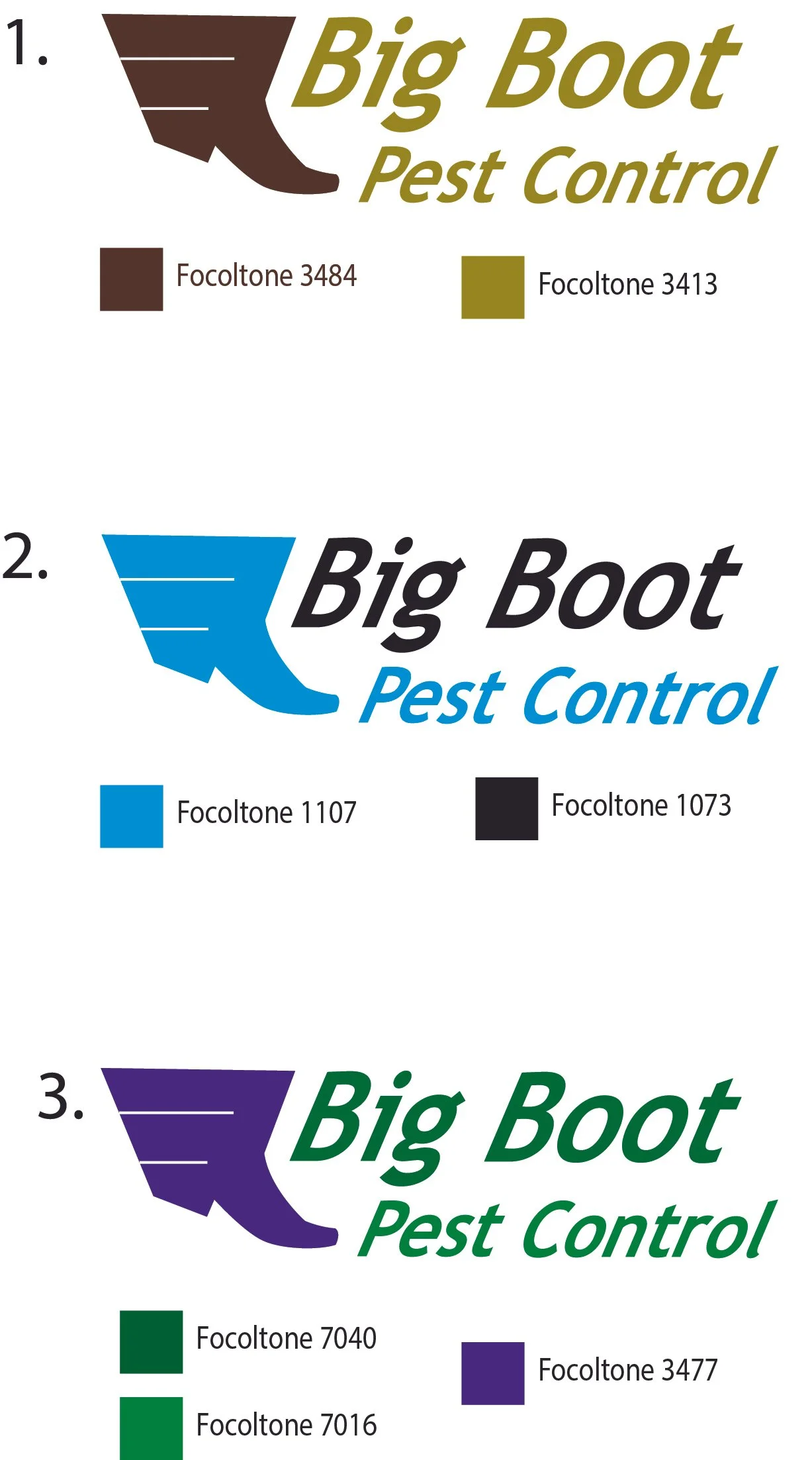
3. After the client picked their favorite logo, I came up with 3 color solutions.
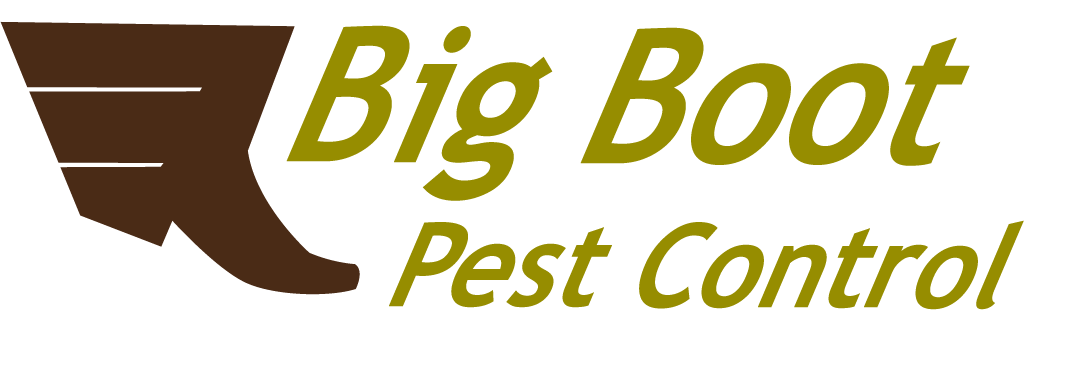
4. Once again the client picked their favorite resulting in a completed logo
1.
3.
4.
Package